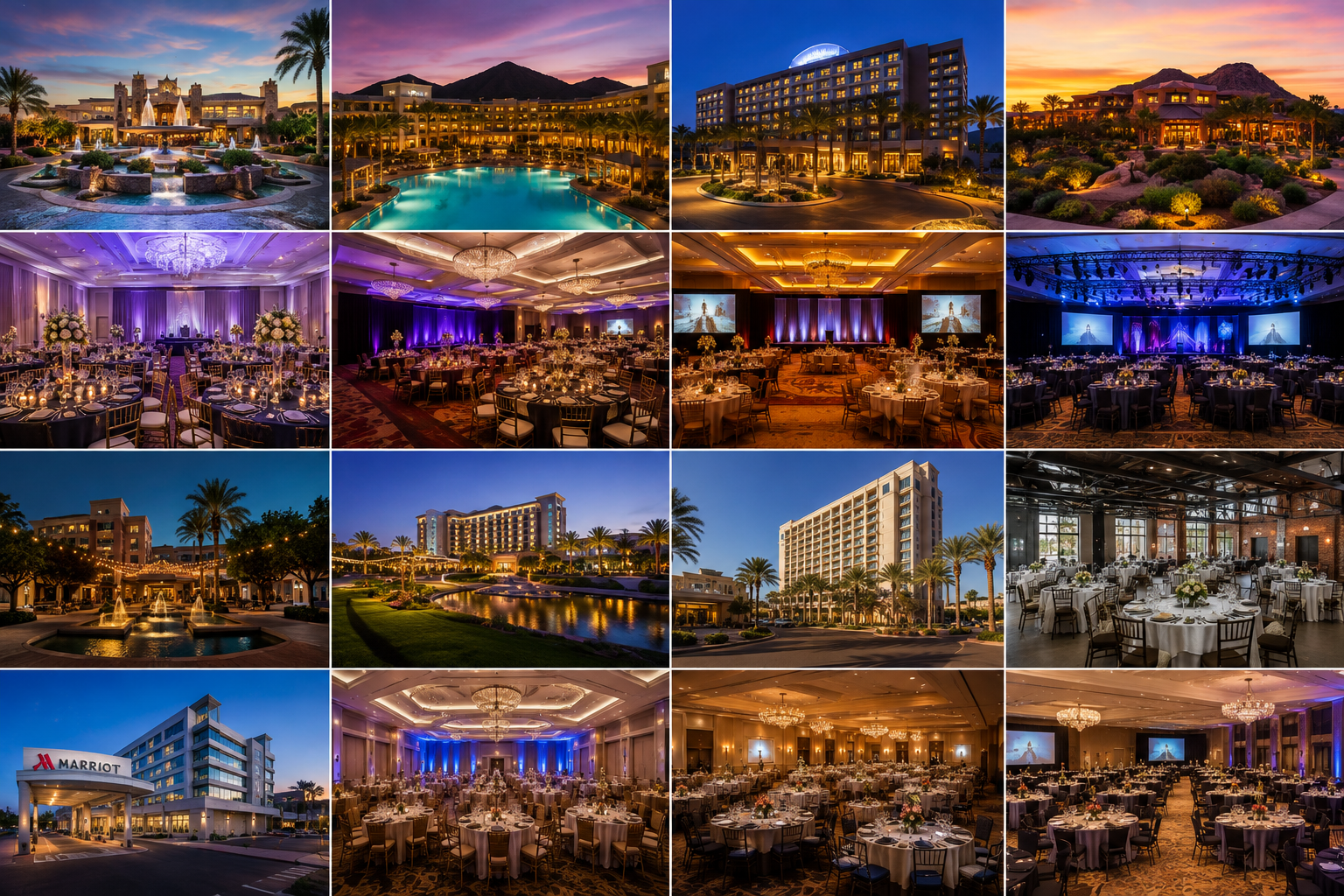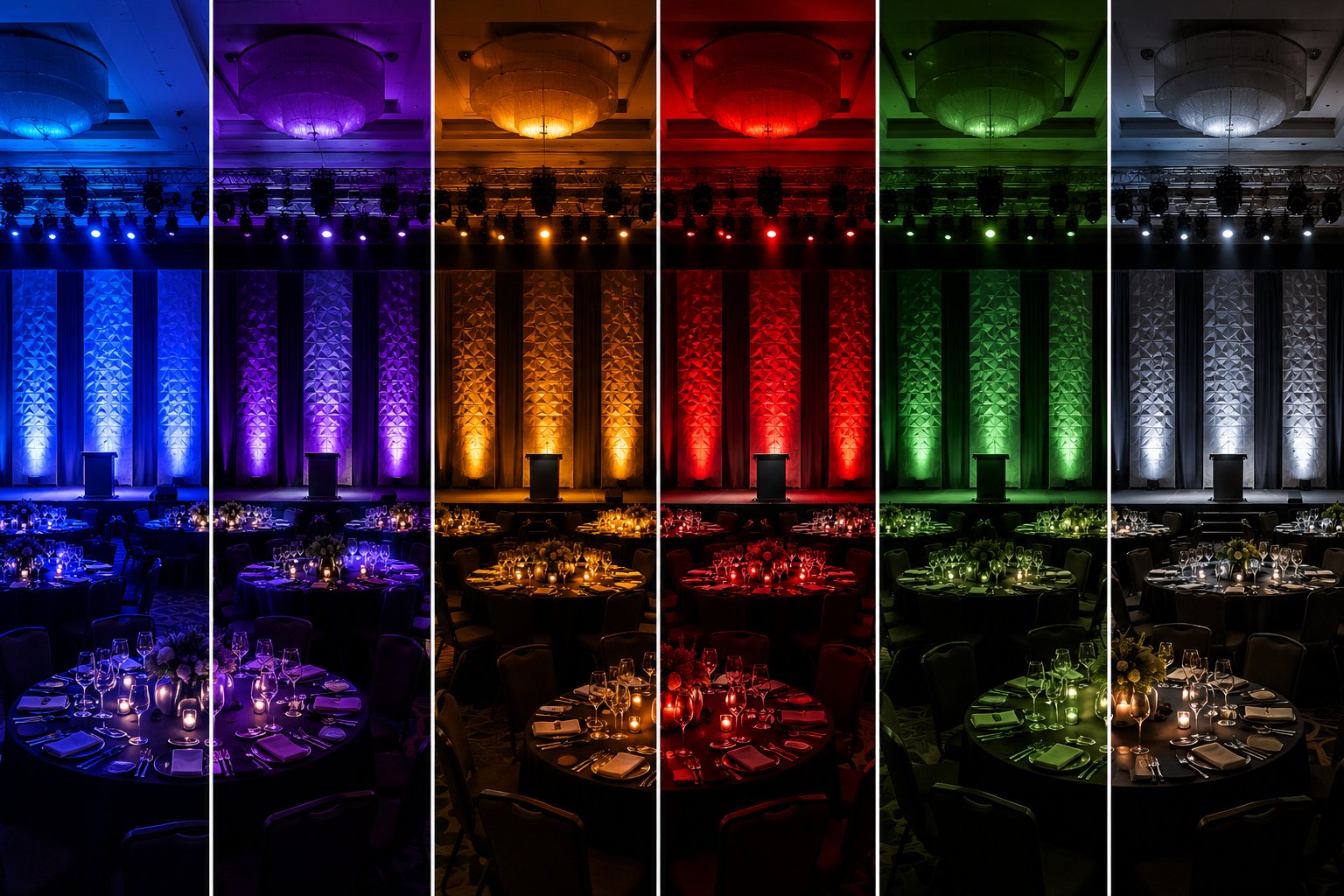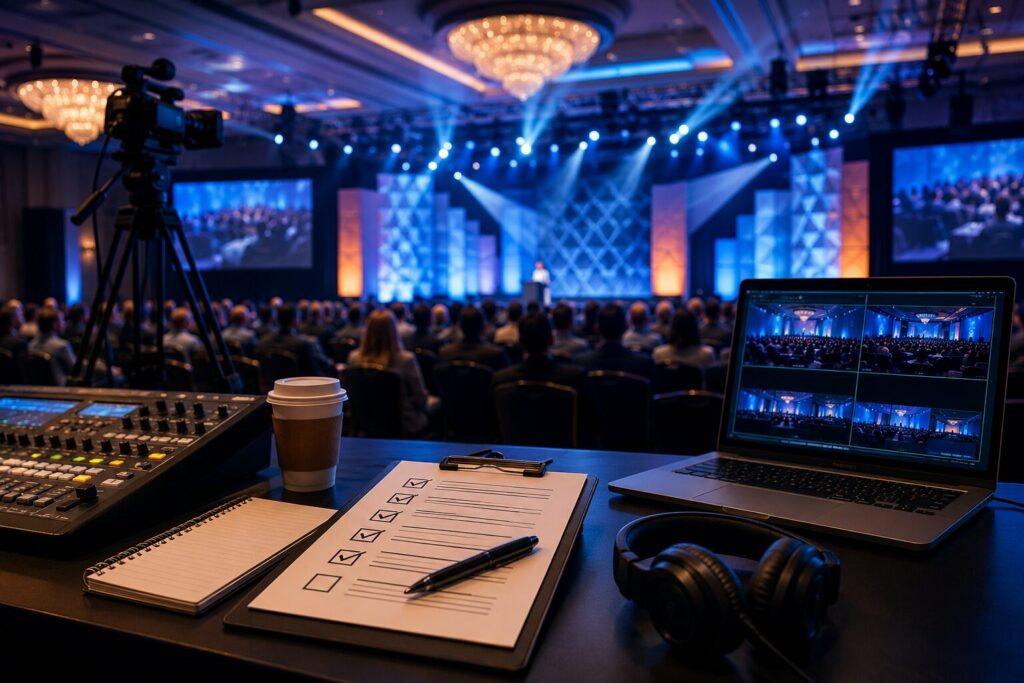
If you’ve read through Part 1, you’ve already seen how early planning, room layout, professional audio, presentation design, venue coordination, lighting, internet reliability, and rehearsals all contribute to a successful event and mitigating mistakes.
In this section, we’ll dive into four more critical mistakes that often go unnoticed until the event is underway. These are the details that distinguish a meeting that merely functions from one that feels polished, engaging, and professionally executed.
Mistake #9: Underestimating Power Distribution and Electrical Requirements
Most attendees never think about electricity at an event—and that’s exactly how it should be. Behind every microphone, LED wall, projector, moving light, camera, confidence monitor, and presentation computer is a carefully planned electrical infrastructure.
One of the most common planning mistakes is assuming standard wall outlets can handle everything.
A Real-World Example
A company hosts its annual leadership summit in a hotel ballroom.
The production design includes:
- A large LED wall
- Multiple confidence monitors
- Intelligent lighting fixtures
- Audio mixing consoles
- Video switchers
- Camera systems
- Charging stations
- Presenter laptops
Everything works perfectly during setup.
Then catering begins using warming stations and coffee equipment on the same electrical circuits.
Suddenly:
- Circuit breakers trip.
- Video processors reboot.
- Audio consoles temporarily lose power.
The audience experiences several minutes of unexpected downtime. The problem wasn’t faulty equipment—it was inadequate electrical planning.
Professional Power Planning
An experienced production team evaluates:
- Circuit capacity
- Dedicated power locations
- Three-phase power availability (when required)
- Cable routing
- Backup power options
- Generator integration for outdoor events
Power distribution is one of the least glamorous aspects of event production—but one of the most important.
Mistake #10: Choosing the Wrong Display Technology
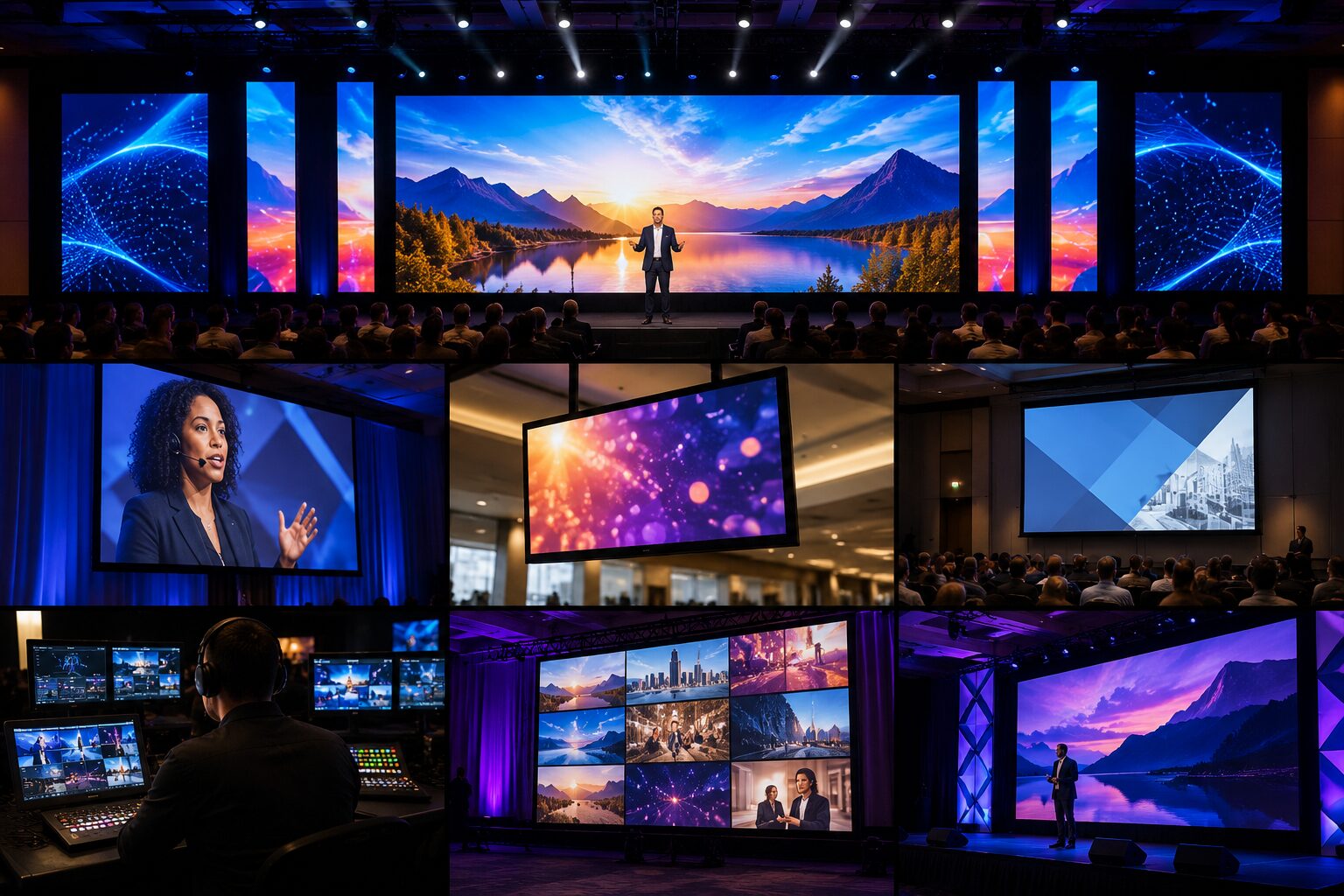
Many organizations automatically request “a projector and screen” because that’s what they’ve always used.
However, today’s meetings often benefit from choosing the display technology based on the environment rather than habit.
Projection
Projection remains an excellent solution for many indoor environments.
Advantages include:
- Large image sizes
- Cost-effective for many meeting rooms
- Flexible screen sizing
- Excellent for darker environments
Challenges include:
- Ambient light reducing image quality
- Lower contrast
- Limited brightness in daylight
- Shadows if presenters walk in front of the projector
LED Walls
LED technology has become increasingly popular for conferences, corporate meetings, and fundraisers.
Advantages include:
- Exceptional brightness
- Outstanding contrast
- No projector shadows
- Excellent visibility in well-lit rooms
- Vibrant colors
- Modular sizing for unique stage designs
LED walls also allow organizations to incorporate motion graphics, branded backgrounds, sponsor recognition, countdown timers, and dynamic scenic elements into a single display system.
Real-World Example
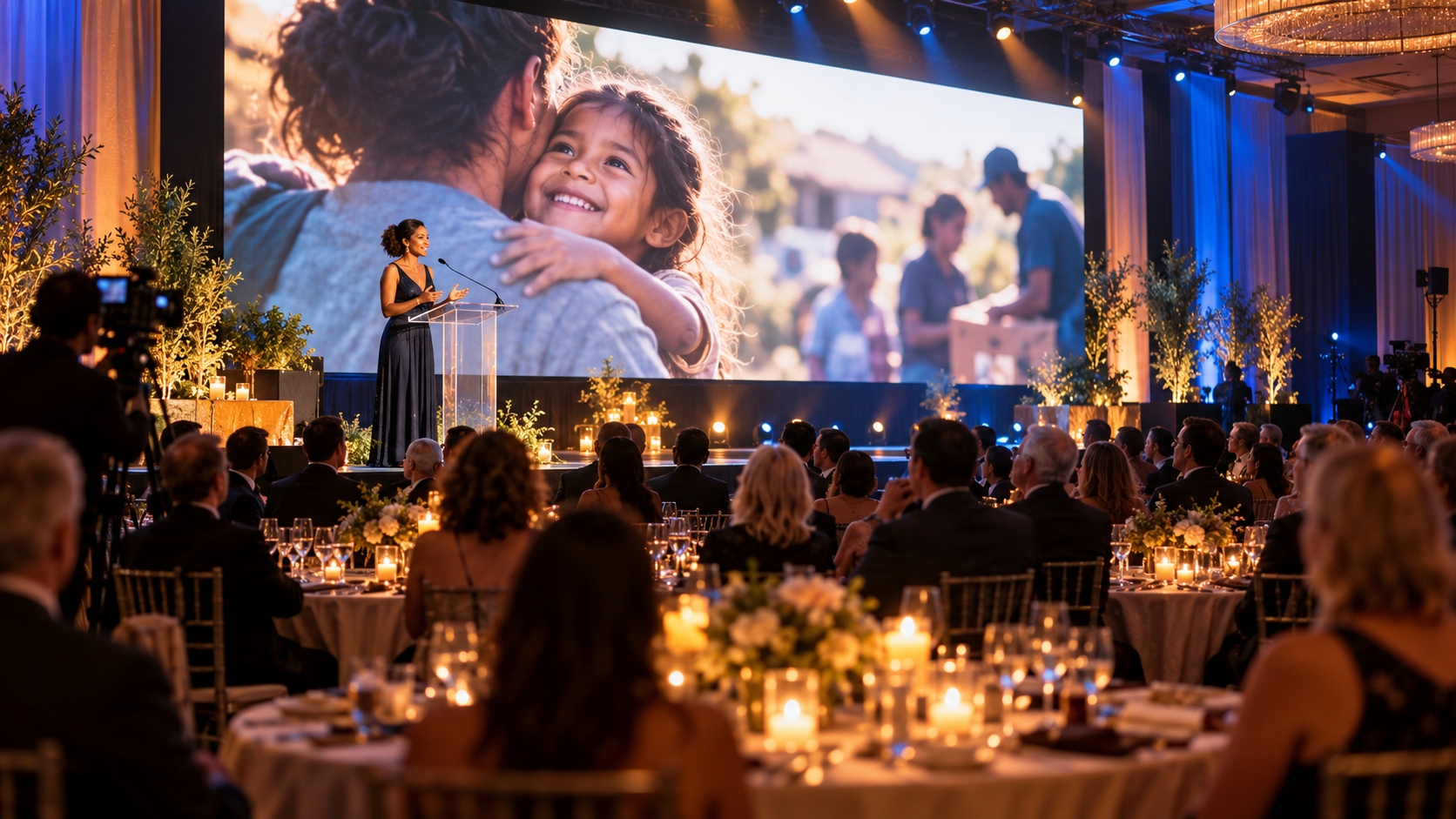
A nonprofit hosts a fundraising luncheon with floor-to-ceiling windows overlooking the city. Initially, projection is planned. During a site visit, it’s determined that darkening the room would eliminate the beautiful daytime view guests came to enjoy. Instead, an LED wall is selected.
Guests enjoy natural daylight while presentations remain bright, colorful, and easy to read. Sometimes choosing the right display technology transforms the entire event experience.

Mistake #11: Forgetting That Stage Design Is Part of Your Brand
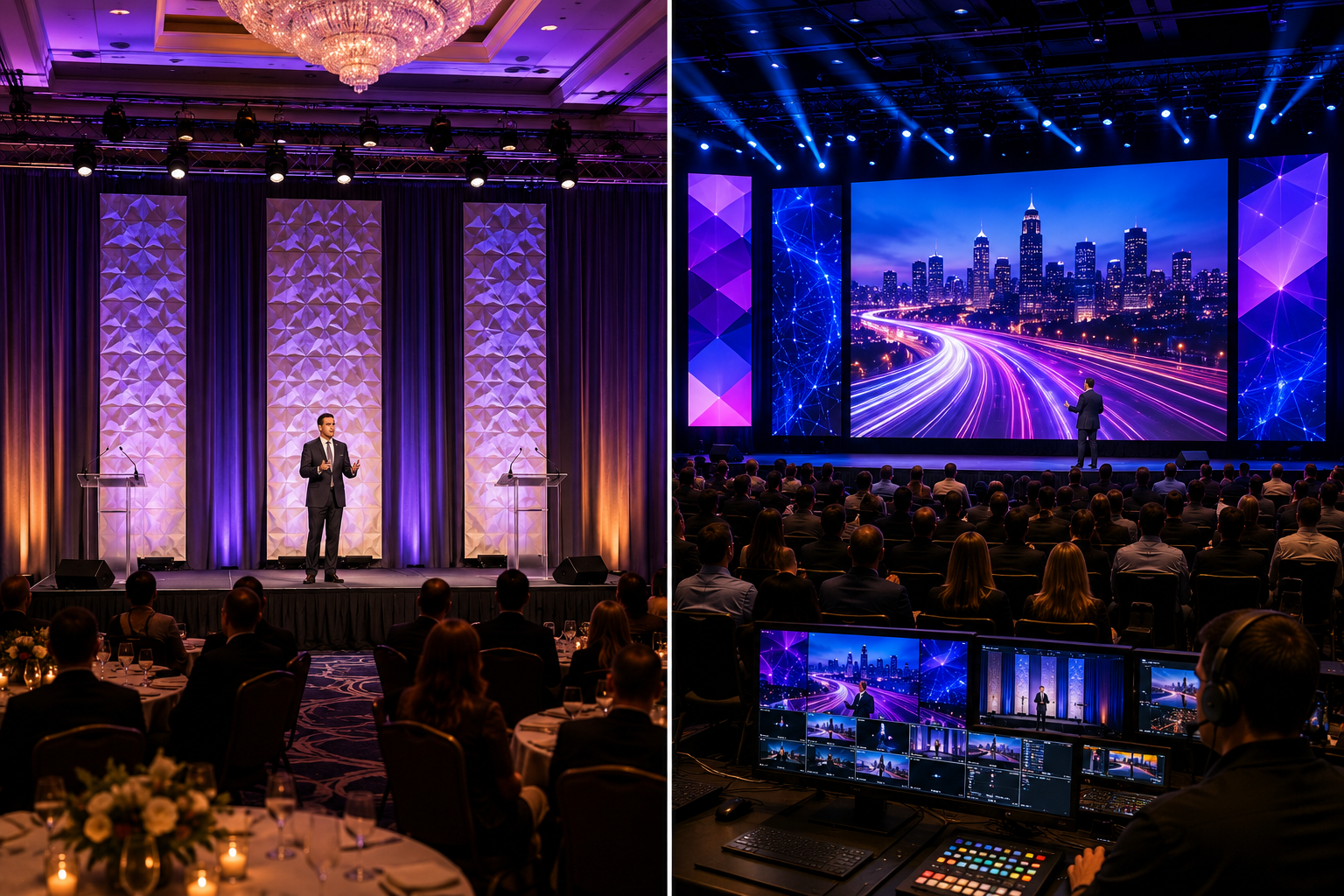
Your stage isn’t just where speakers stand. It’s the visual centerpiece of your event. Every photograph… Every livestream… Every audience member… Every social media post… will feature your stage.
Yet many organizations spend months refining logos and presentation graphics while placing little emphasis on the stage itself.
Stage Design Should Reinforce Your Message
A thoughtfully designed stage helps communicate professionalism before anyone speaks.
Elements may include:
- Scenic panels/ Geometric tiles
- Layered drape
- Branded lecterns
- Decorative lighting
- LED walls
- Accent furniture
- Floral arrangements
- Dimensional logos
- Color-coordinated décor
The objective isn’t necessarily to spend more money. It’s to create a cohesive visual identity.
Creating Depth
One hallmark of professional stage design is depth. Instead of placing presenters directly against a flat curtain, designers often create multiple visual layers using:
- Backdrop drape
- Truss structures
- LED walls
- Scenic flats
- Backlighting
- Texture lighting (gobos)
- Decorative elements
These layers create dimension that looks significantly better both in person and on camera.
Think About Camera Angles
Many organizations forget that stages should be designed for cameras as much as audiences.
Avoid placing:
- Exit signs directly behind speakers.
- Utility doors within camera shots.
- Distracting service areas in the background.
- Bright windows causing exposure problems.
A few small adjustments can dramatically improve the professional appearance of your event.
Mistake #12: Poor Communication Between Event Organizers and the Production Team
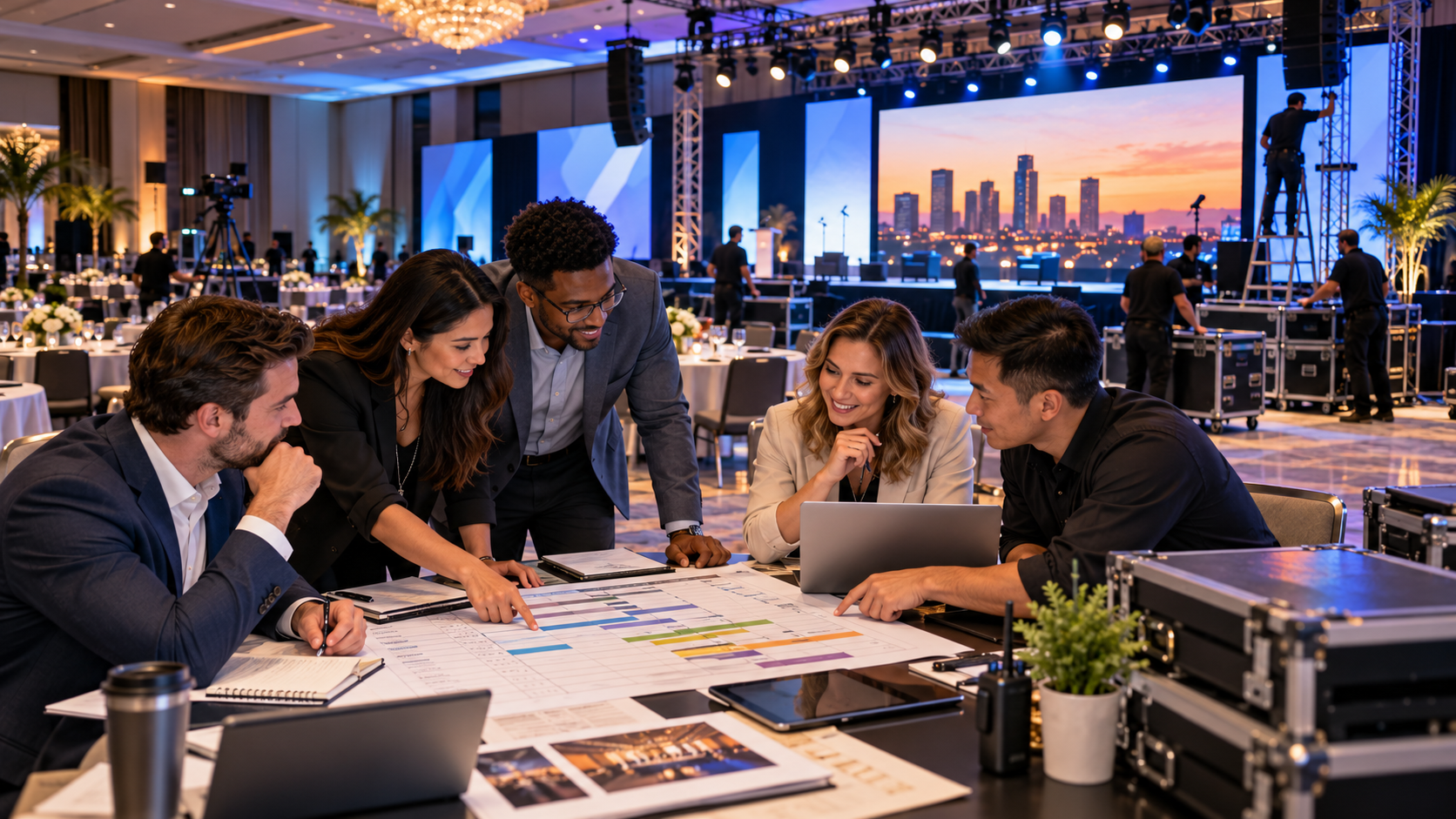
Perhaps the most preventable mistake of all is inconsistent communication. Large meetings evolve constantly; Presenters change, agendas shift, sponsors are added, videos are updated, room layouts change.
None of these changes are unusual. Problems arise when they aren’t communicated to the production team.
The Domino Effect
Imagine this sequence. Three days before the event:
✔ The keynote presentation grows from 30 minutes to 45.
Two days before:
✔ Two additional award recipients are added.
The day before:
✔ A panel discussion replaces a solo presentation.
Event morning:
✔ Three videos arrive via email.
Each change affects production. Without communication, technicians have little opportunity to adjust lighting cues, microphone assignments, camera positions, presentation timing, or the Run of Show.
Maintain a Single Source of Truth
One effective strategy is assigning one individual to manage all production communication.
This person becomes the central point of contact for:
- Agenda revisions
- Presentation updates
- Speaker arrivals
- Room changes
- Sponsor requests
- Technical questions
Instead of receiving conflicting instructions from multiple people, the production team receives consistent, organized information.
The Importance of the Run of Show
A detailed… let me repeat that… a DETAILED, Run of Show is one of the most valuable documents in live event production.
It outlines:
- Timing
- Speaker order
- Walk-on music
- Video playback
- Lighting cues
- Microphone assignments
- Stage transitions
- Break schedules
- Audience interaction
- Closing remarks
The more detailed the Run of Show, the smoother the event tends to be.
When everyone—from presenters to technicians—works from the same document, surprises become much less frequent.
Mistake #13: Trying to Cut Costs in the Wrong Places
Every event has a budget, and every planner has to make decisions about where to invest. The challenge is knowing the difference between saving money and eliminating value.
It’s understandable to look for ways to reduce costs, but cutting critical production elements can often lead to a more expensive outcome.
A Real-World Example
A company decides to eliminate side screens to reduce expenses. The meeting opens with more than 500 attendees.
Guests seated near the back quickly realize they can’t read charts or see product demonstrations clearly. Some begin standing to get a better view, while others disengage from the presentation altogether.
The organization saved a small amount on equipment—but lost audience engagement.
Invest Where It Matters
Production elements that often provide the greatest return include:
- Clear, evenly distributed audio
- Displays that are visible from every seat
- Proper stage lighting
- Experienced technicians
- A well-designed Run of Show
- Reliable presentation playback
Rather than asking, “What can we remove?” consider asking, “What will have the biggest impact on the audience’s experience?”
That’s where your budget delivers the greatest value.
Mistake #14: Assuming Anyone Can Run the Show
One of the most overlooked roles at a large meeting is the person calling the event.
Many organizations ask a staff member, volunteer, or presenter to manage timing while also participating in the meeting.
While it may seem efficient, it often creates unnecessary confusion.
What Does It Mean to “Call the Show”?
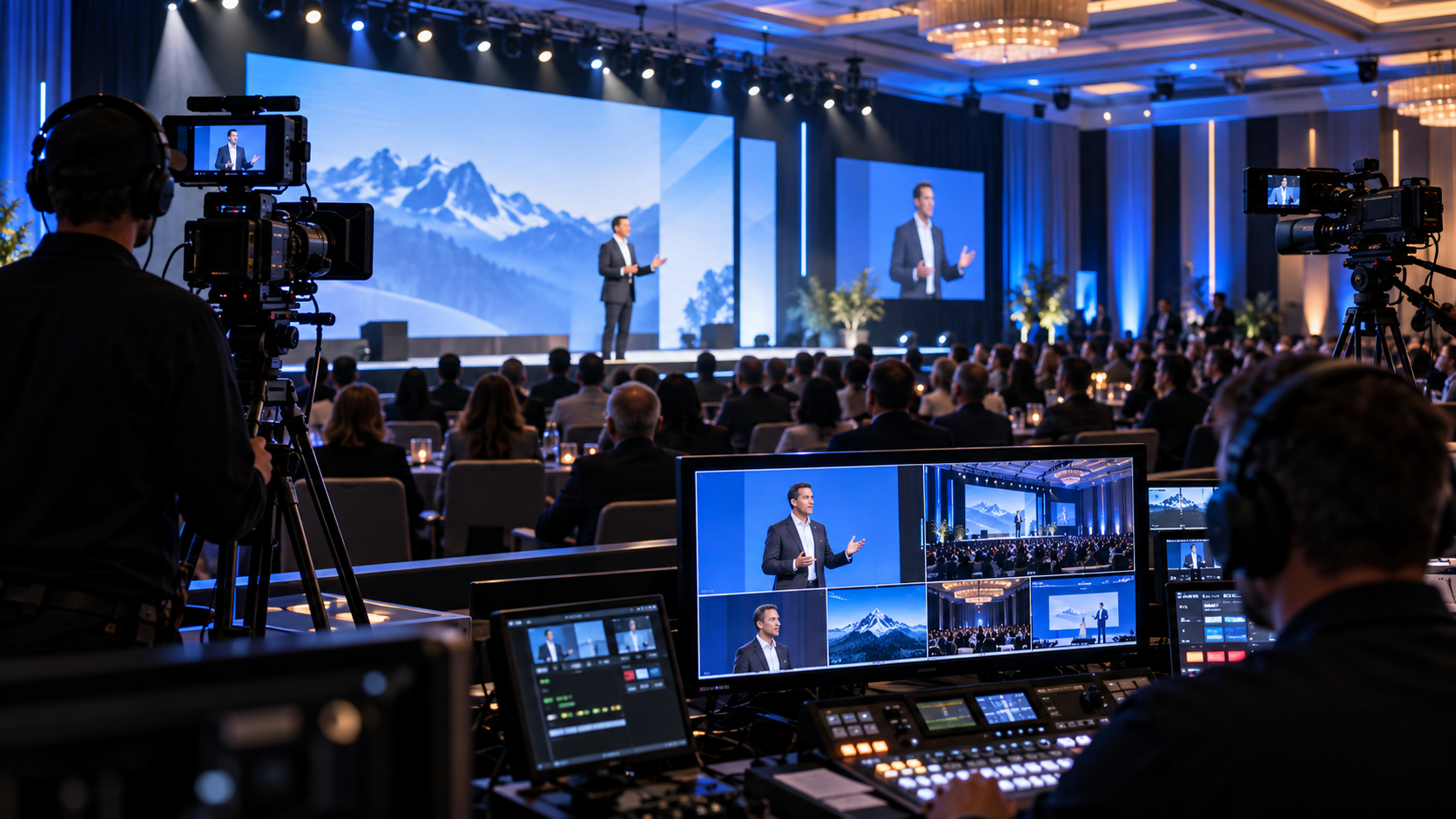
The show caller—or production manager—acts as the central coordinator for every moving piece of the event.
They cue:
- Speakers
- Walk-on music
- Video playback
- Lighting changes
- Camera shots
- Audience microphones
- Stage transitions
- Breaks
- Countdown timers
Think of the production manager as the conductor of an orchestra. Every technician may be highly skilled, but someone still needs to coordinate the timing so everything happens together.
A Real-World Scenario
Imagine an awards banquet. The presenter introduces the next recipient before the spotlight operator is ready. The award video begins before the recipient reaches the stage. The microphone intended for the acceptance speech hasn’t been turned on.
None of these issues are major on their own, but together they create an event that feels rushed and unpolished. A dedicated show caller helps prevent these small problems from becoming noticeable distractions.
Mistake #15: Choosing an A/V Provider Based Only on Price
When comparing proposals, it’s natural to look at the bottom line. However, event production isn’t a commodity.
Two quotes may appear similar on paper while offering very different levels of planning, support, and execution.
What Are You Really Paying For?
Professional event production includes much more than equipment.
It includes:
- Planning meetings
- Site visits
- System design
- Equipment preparation
- Transportation
- Setup
- Cable management
- Technical rehearsals
- Live operation
- Troubleshooting
- Breakdown
- Contingency planning
The equipment is only one part of the service. You’re also investing in experience.
Questions to Ask Before Hiring an A/V Partner
Instead of focusing solely on price, ask:
- Will there be a dedicated project manager?
- Is on-site technical support included?
- How are last-minute presentation updates handled?
- What backup equipment is available if something fails?
- Has the company supported events similar to ours?
- Will technicians attend rehearsals?
- Can they assist with room layout and production planning?
- Do they provide recommendations rather than simply fulfilling requests?
These questions often reveal the true value behind a proposal.
Bringing Everything Together
Let’s quickly recap the fifteen mistakes we’ve explored throughout this series:
- Waiting too long to involve your A/V team.
- Choosing the wrong room layout.
- Underestimating professional audio.
- Designing presentations without considering the audience.
- Assuming the venue already has everything you need.
- Treating lighting as an afterthought.
- Overlooking internet and network requirements.
- Skipping rehearsals.
- Underestimating electrical and power needs.
- Choosing the wrong display technology.
- Neglecting stage design and branding.
- Failing to communicate production updates.
- Cutting costs in areas that impact the audience experience.
- Trying to run the show without dedicated production leadership.
- Selecting an A/V partner based only on price.
Notice a common thread?
Almost every challenge could have been avoided through earlier planning, better communication, and collaboration with an experienced production team.
The Audience Notices More Than You Think
Guests may not know the technical terminology behind a flawless production.
They probably won’t notice balanced audio coverage, properly timed lighting cues, clean signal routing, or carefully coordinated wireless frequencies.
But they will notice the results.
They’ll remember:
- Being able to hear every presenter clearly.
- Reading every presentation slide with ease.
- Feeling engaged throughout the meeting.
- Smooth transitions between speakers.
- Dynamic visuals that reinforced the message.
- A polished, professional atmosphere.
Great production often goes unnoticed because everything simply works. That’s exactly the goal.
Why Preparation Creates Better Meetings
At Phoenix Technology Audio Visual, we believe successful events begin long before the first microphone is switched on. They begin with thoughtful conversations. They grow through careful planning.
They succeed because every detail—from audio and lighting to video, staging, and content playback—works together toward one purpose: creating an exceptional experience for your audience.
Whether you’re planning:
- A corporate leadership summit
- A nonprofit fundraising gala
- A Chamber of Commerce luncheon
- A sales kickoff meeting
- A training conference
- An awards banquet
- A product launch
- A multi-day convention
Our team is committed to helping you avoid the common pitfalls we’ve covered throughout this guide.
Ready to Plan Your Next Meeting?
Every successful event starts with a conversation.
If you’re preparing for an upcoming meeting, conference, gala, fundraiser, or corporate event, Phoenix Technology Audio Visual is ready to help you create an experience that’s organized, engaging, and memorable. CLICK HERE to see some examples of our past work. Don’t forget to follow us on FACEBOOK & LINKEDIN to get updates on the latest articles and shows we’re working on!
From professional audio and dynamic lighting to LED wall solutions, video production, livestreaming, scenic design, and on-site technical support, we partner with organizations to ensure every event runs as smoothly behind the scenes as it appears from the audience.
Don’t wait until the final weeks of planning to think about production. Let’s start the conversation early, eliminate surprises, and build an event your attendees will remember for all the right reasons. Because great events don’t happen by chance—they happen through preparation, collaboration, and exceptional execution.