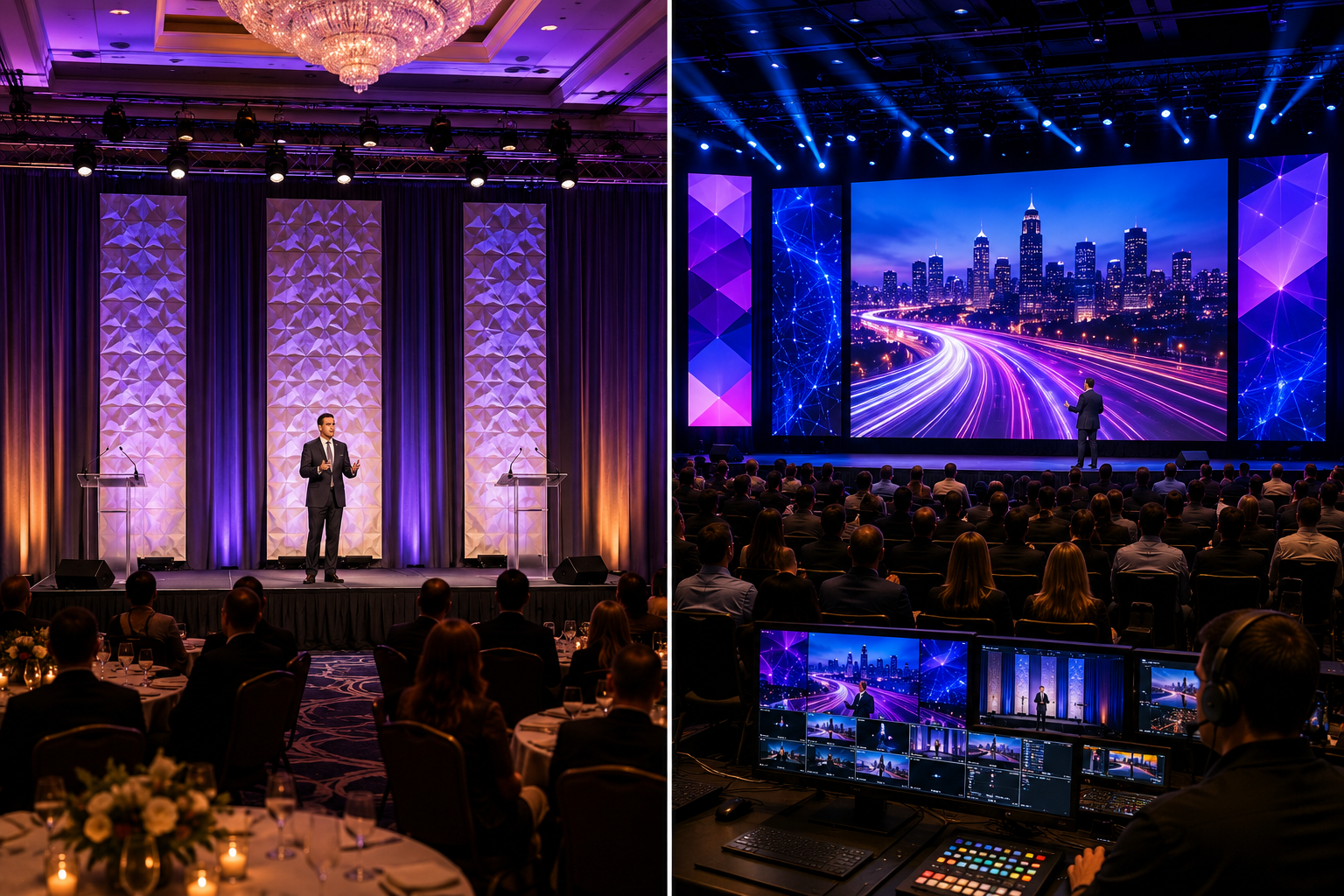
Great stage lighting should support your message—not compete with it.
Picture a corporate awards dinner: the host’s face is hidden in shadow, a moving light sweeps across guests, and nobody in the back can read the screen. These lighting decisions can make a polished event harder to follow.
At corporate conferences, nonprofit galas, Chamber celebrations, and government presentations, lighting serves more than decoration. It helps people see speakers, understand where to look, and experience the atmosphere the organizers intended.
Here are ten mistakes worth avoiding, with practical solutions supported by professional lighting guidance and documented events.
1. Leaving Speakers in the Lighting Shadows
A beautifully illuminated backdrop means little if your audience cannot see the person speaking. Poorly aimed overhead lights can create dark eye sockets, while strong back lighting can turn a presenter into a silhouette.
Entertainment lighting manufacturer ETC describes front light raised approximately 45 degrees above eye level as a useful starting position for visibility and manageable shadows. Two carefully positioned front-light sources can also help shape faces. The arrangement depends on the venue. [ETC lighting angles]
For example: At the SkySprout Summit in Columbus, lighting designer Brent Schmidt combined focused front light with restrained background colors so presenters remained prominent to both cameras and in-person guests. [SkySprout Summit case study]
2. Pointing Bright Lighting Fixtures Toward Guests
A dramatic beam looks exciting—until it shines directly into somebody’s eyes during dinner or a keynote. Poor fixture positioning can create glare along audience sight-lines, especially when moving lights sweep across seated guests.
Lighting should consider where attendees sit, where presenters stand, and how people enter or exit the room. A fixture that looks harmless from the control desk may be uncomfortable from a table near the stage because of poor positioning.
In CHAUVET Professional’s discussion of site lighting, a designer specifically warns that poorly focused down-lighting can blind people. The same principle is useful in ballrooms and conference rooms: test lighting from actual audience positions and redirect distracting beams. [CHAUVET Professional — Going Beyond the Stage]
3. Assuming Brighter Lighting Is Always Better
More light does not automatically mean better visibility. When everything is equally bright, the audience loses the visual cues that tell them what matters most.
ETC explains that changes in intensity guide attention and warns that excessive light can make that focus difficult to control. A keynote speaker, scenic backdrop, table décor, and LED wall should not necessarily compete at the same brightness. [ETC — Controllable Properties of Light]
Create a deliberate hierarchy: put the clearest light on the presenter, adjust background levels to support the stage, and reserve striking effects for entrances or celebrations.
The goal is to contrast with purpose, not to have a competition to see which fixture can shine hardest.
4. Using Constant Lighting Movement During Speeches
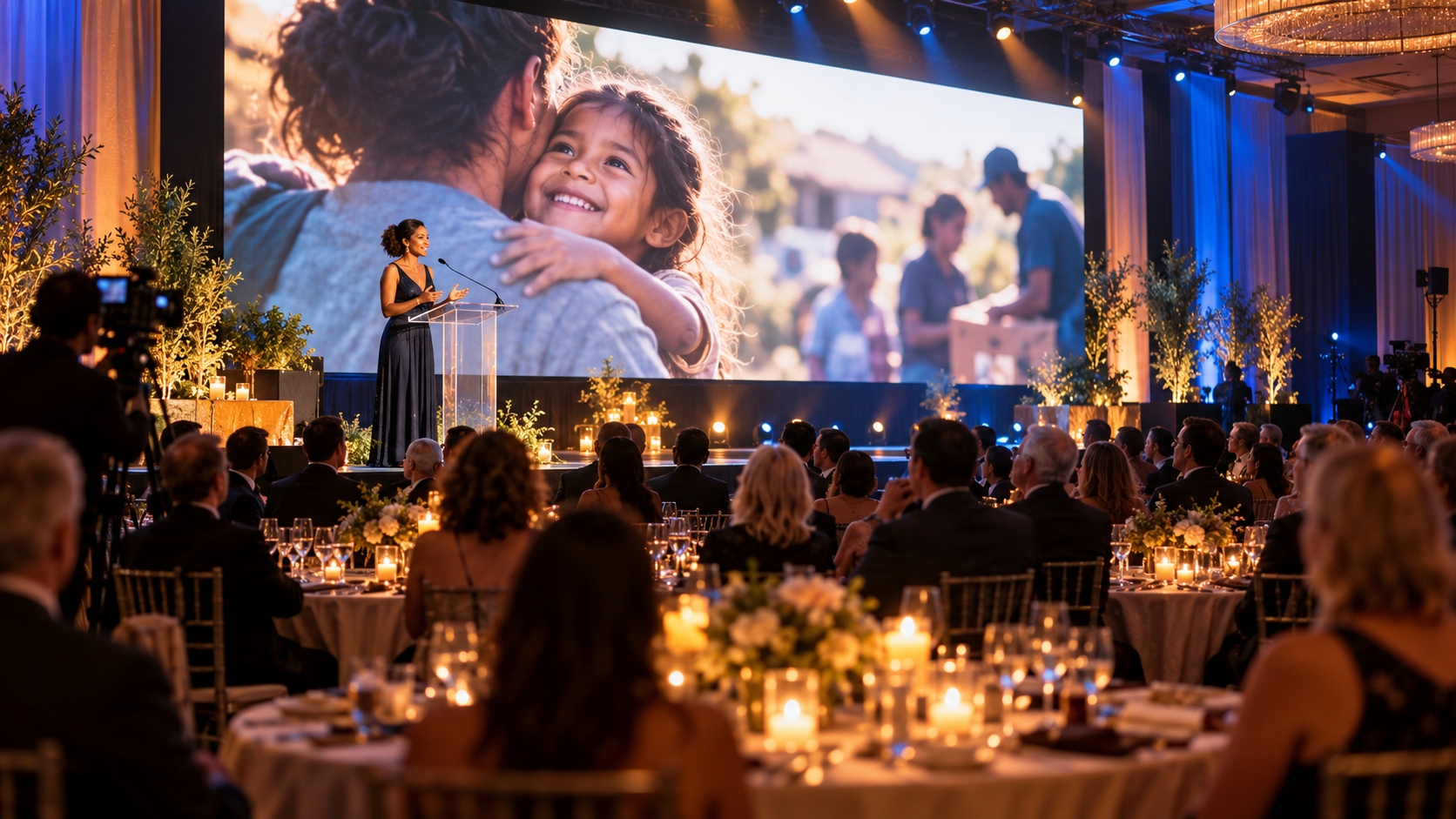
Moving heads, animated gobos, and color chases can be fantastic. But a serious nonprofit impact story rarely needs a dance-floor light show happening behind the speaker.
Unnecessary motion can pull attention away from the content. ETC notes that frequent rapid lighting changes can contribute to visual fatigue and make it harder to concentrate. [ETC lighting movement]
The SkySprout production offers a useful model: the crew used consistent looks when the emcee appeared, then saved bolder movement and patterns for transitions between speakers. The lesson: choose the right moment, because the right moment makes it count. [SkySprout case study]
For example: Program distinct lighting cues for presentations, awards, entertainment, and walk-on moments rather than leaving effects running continuously.
5. Choosing Lighting Colors Without Considering Faces
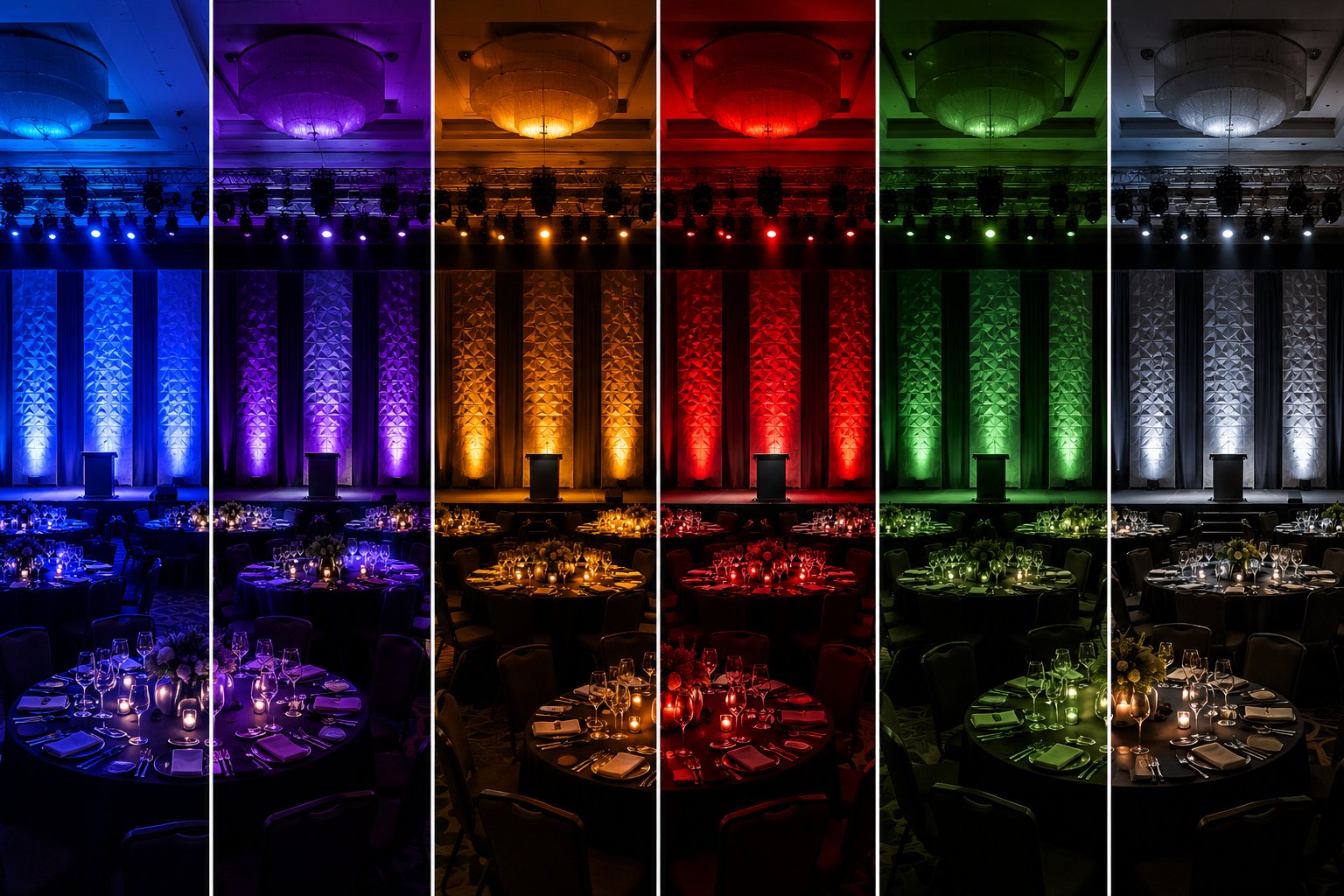
An intense blue or magenta wash might complement your branding, yet make award recipients look unnatural in person or on camera. Saturated color is useful for scenery; however, it is not always flattering as the only source of light on a face.
Rosco’s lighting resources distinguish warm, cool, and neutral front-light colors intended for acting areas from accent lighting used to shape scenery and subjects. Designers can combine these roles without abandoning a signature event palette. [Rosco color and skin-tone techniques]
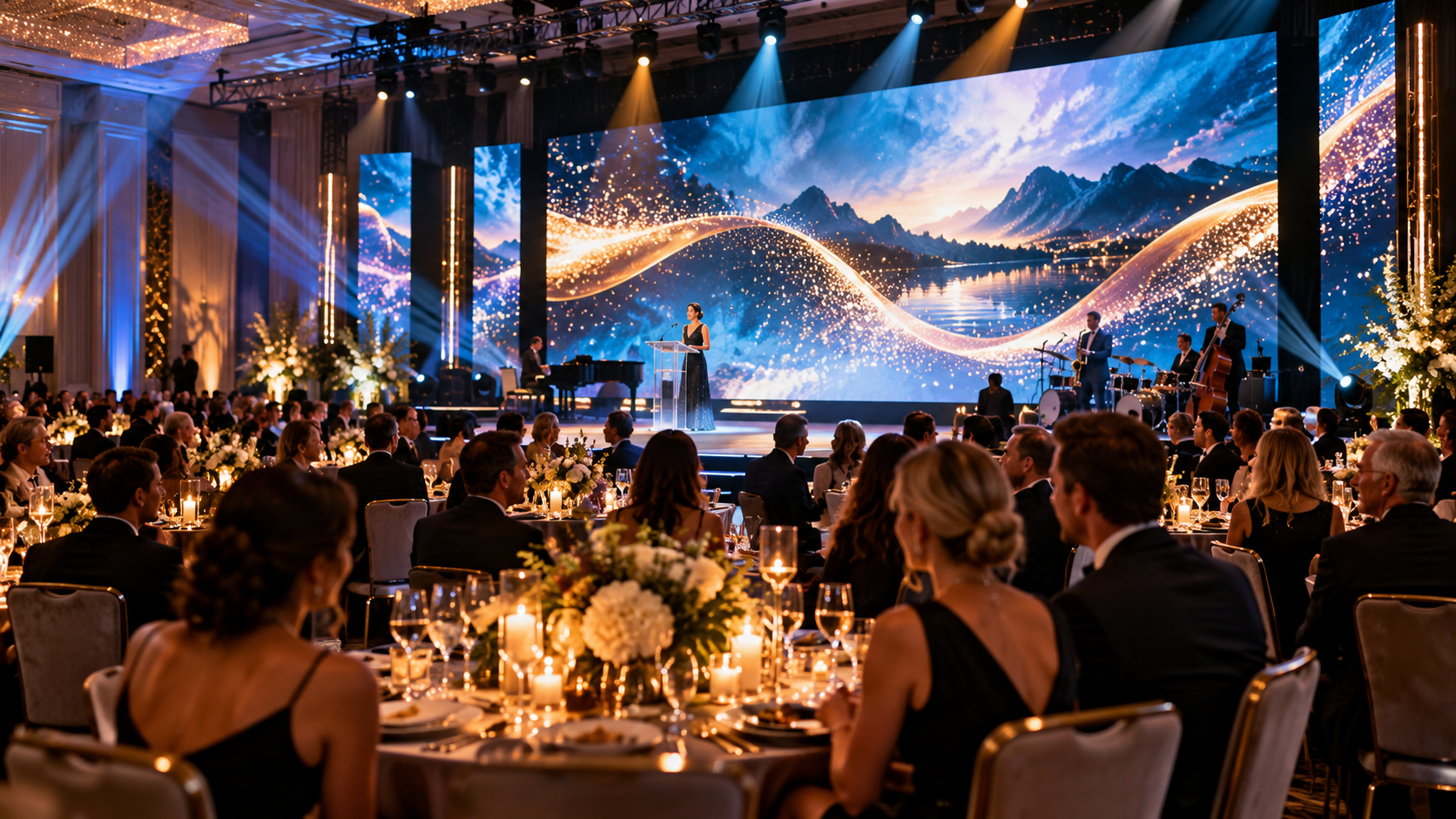
At a documented VINCI Group gala in France, designers Romain Plantier and Loïc Pollet used shifting colors to enhance the room, while dedicated front-light fixtures illuminated the stage for speeches and awards. [VINCI gala case study]
6. Letting Lighting Compete With Screens
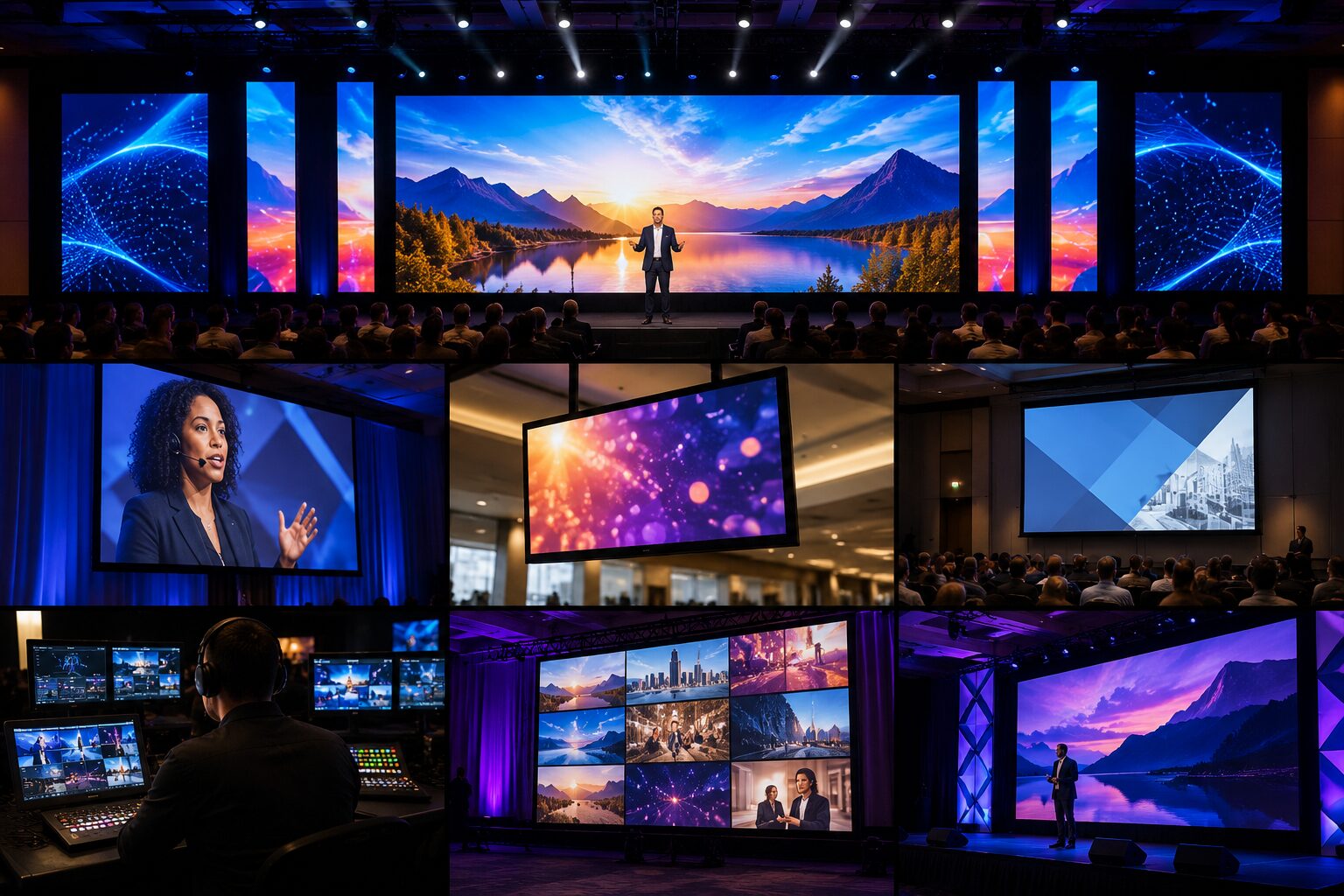
Presentation content is often the reason everyone gathered. Yet lighting can reduce its visibility if beams spill onto projection surfaces. With LED video walls, the opposite problem can occur: extremely bright graphics overpower the people standing nearby.
Production designer Tim Messina explains in a CHAUVET Professional interview that projected screens require careful light placement because stray light can wash out the image. LED walls emit their own light, so the balancing challenge is different—but coordination still matters. [Balancing Light and Video — CHAUVET Professional]
Even so, Treat lighting, video, and content as one design conversation. Test the actual slides and video playback at show brightness, then adjust screen levels and fixture focus together.
An amazing LED wall should make the presenter easier to follow, not harder to find.
7. Ignoring How Lighting Looks on Camera
Guests may see normal lighting while cameras capture flickering or bands. This matters for live-streams, recorded presentations, and highlight videos.
Sony’s technical guidance explains that certain LED and other light sources can interact with camera shutter timing, producing visible banding or flicker. The solution depends on the equipment. [Sony — Reducing Camera Flicker]
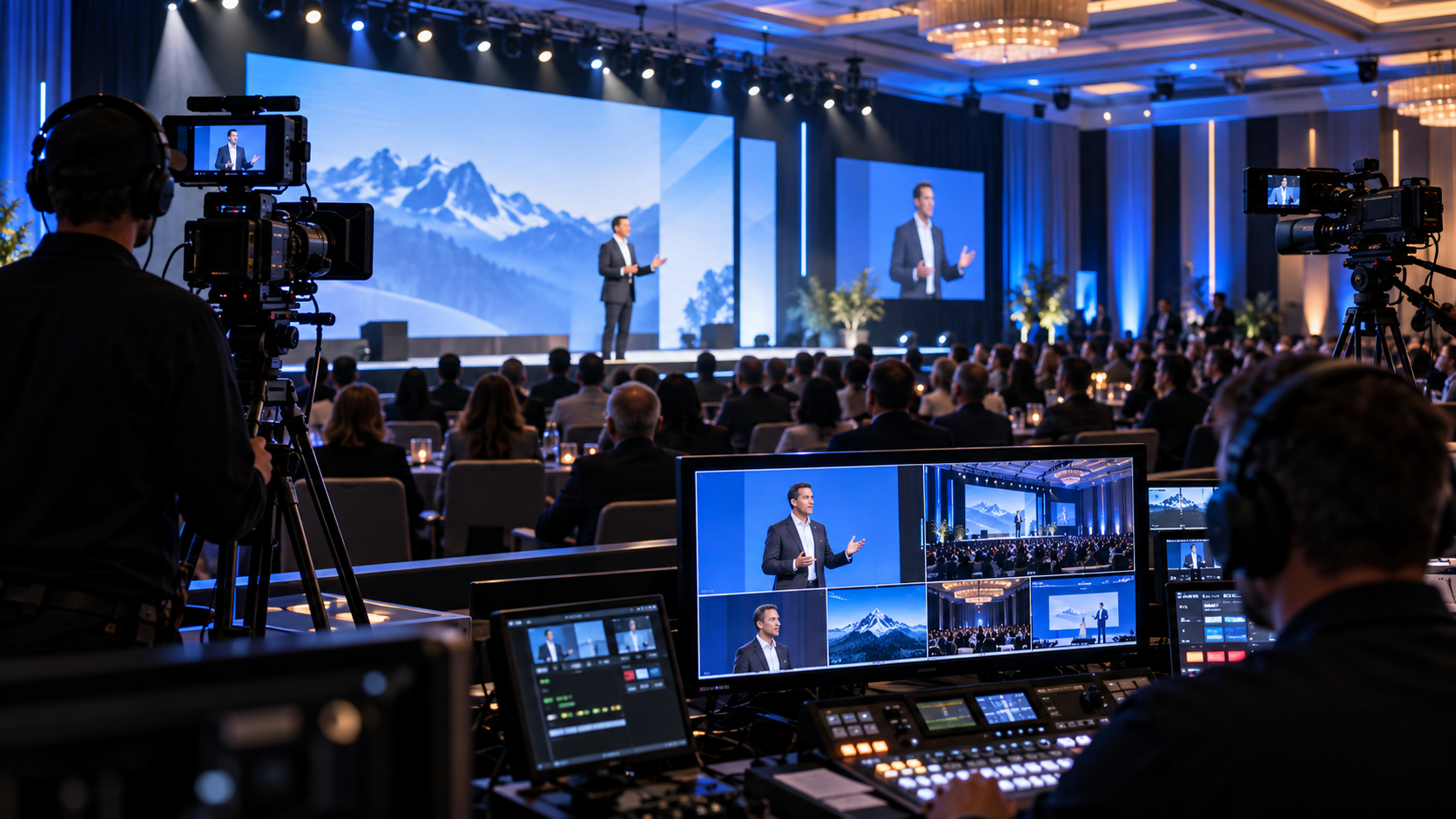
Before doors open, test the complete production through the cameras actually being used. Check close-ups, stage-wide shots, dimming changes, and LED-wall backgrounds.
A lighting cue that looks beautiful in the ballroom should also look professional in the recording you publish afterward.
8. Overlooking Photo-sensitivity and Guest Comfort
Strobes and rapid flashes are not merely distracting; they can be a health concern for some attendees.
The Epilepsy Foundation reports that around 3% of people with epilepsy have seizures that can be triggered by certain flashing lights or visual patterns, including effects used at live events. [Epilepsy Foundation — Photo-sensitivity]
The World Wide Web Consortium also establishes flashing-content thresholds for web accessibility. Those web standards are not a blanket rule governing every live lighting installation, but they demonstrate why flashing content deserves careful review. [W3C flashing guidance]
For corporate, nonprofit, and community events, avoid unnecessary strobes, consider alternatives for high-energy moments, and coordinate any planned effects with the venue and event organizers.
Inclusion should be part of production planning—not a last-minute adjustment.
9. Using One Lighting Look for the Entire Evening
A reception, heartfelt fundraising appeal, award presentation, and dance-floor celebration have different visual needs. Leaving the same bright color wash running all night can flatten those moments into one continuous scene.
Consider the real-world VINCI Group gala: its designers used subtle color changes to shift the room’s appearance while preserving a welcoming dining atmosphere. [VINCI gala]
Another example, Saint Mary’s Medical Center’s documented “Cosmic Odyssey” fundraiser, employed vivid contrasting colors and sweeping light beams to support a distinctive themed experience. [Saint Mary’s Medical Center gala]
Match the look to the occasion. Build separate, rehearsed lighting states for dining, speeches, fundraising, awards, and entertainment.
10. Skipping Rehearsal and Real-World Sight-line Checks
A lighting design can look flawless on paper and behave very differently in a crowded ballroom. Speakers may leave their marks. Award winners may gather in unexpected places. Cameras may reveal shadows that were invisible from the lighting console.
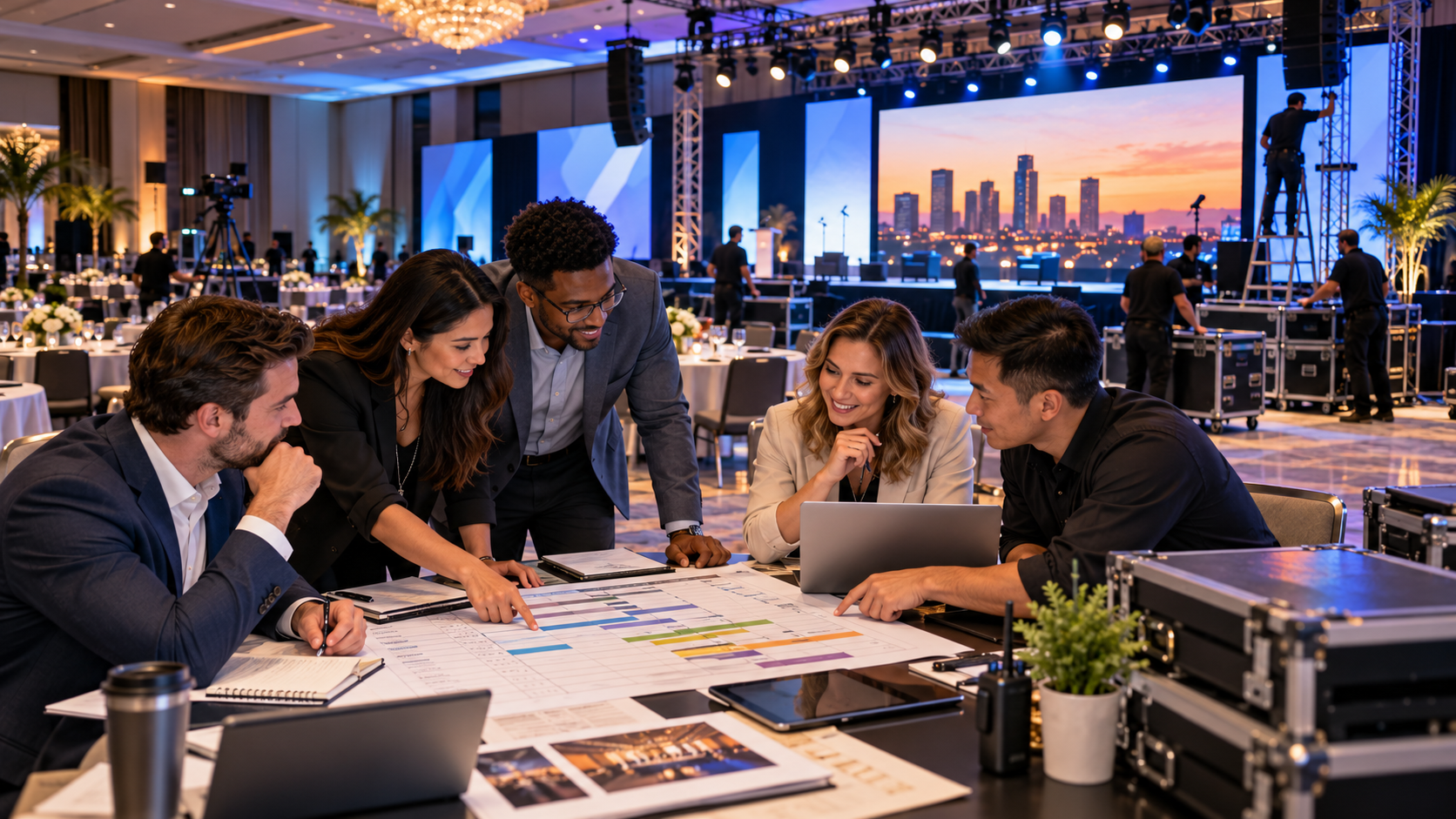
Walk through the actual program with a lighting operator, video director, stage manager, and someone standing at the lectern.
For example, check every position where presenters, honorees, and performers will appear. Verify cue timing, entrances, microphone locations, and screen visibility from multiple seating angles.
This preparation is especially valuable when transitions must happen quickly. A coordinated run-of-show gives the technical team a shared road map—and reduces the odds that the wrong lighting look becomes the evening’s most memorable moment.
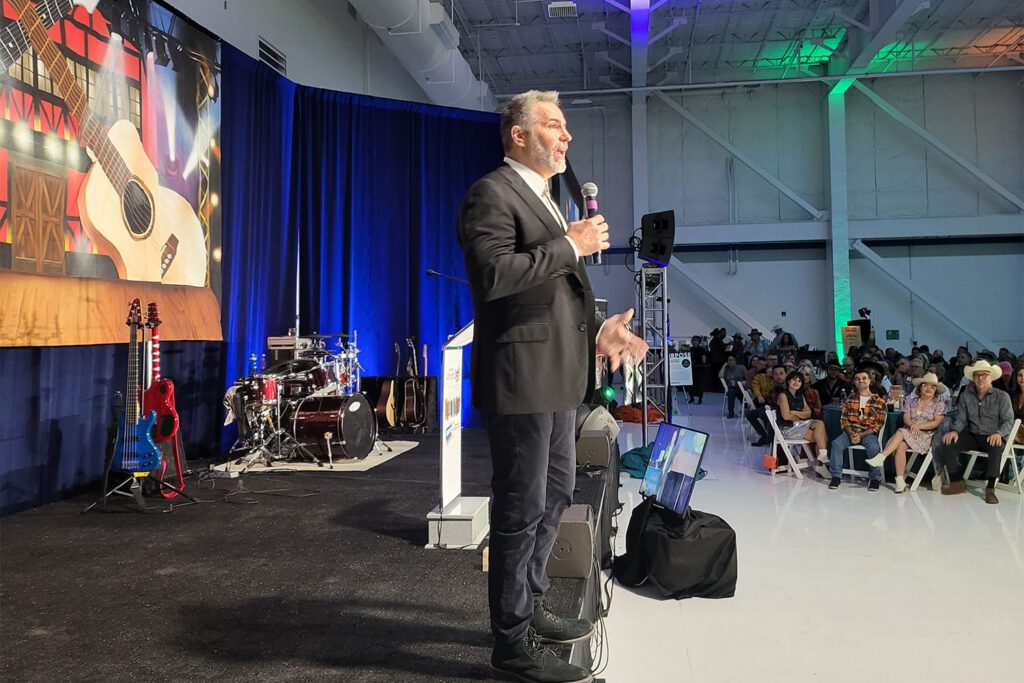
Make the Spotlight Work for You
Great event lighting is not about packing the most fixtures into a room. It is about helping the audience see clearly, feel the right atmosphere, and stay focused on the people and stories that matter.
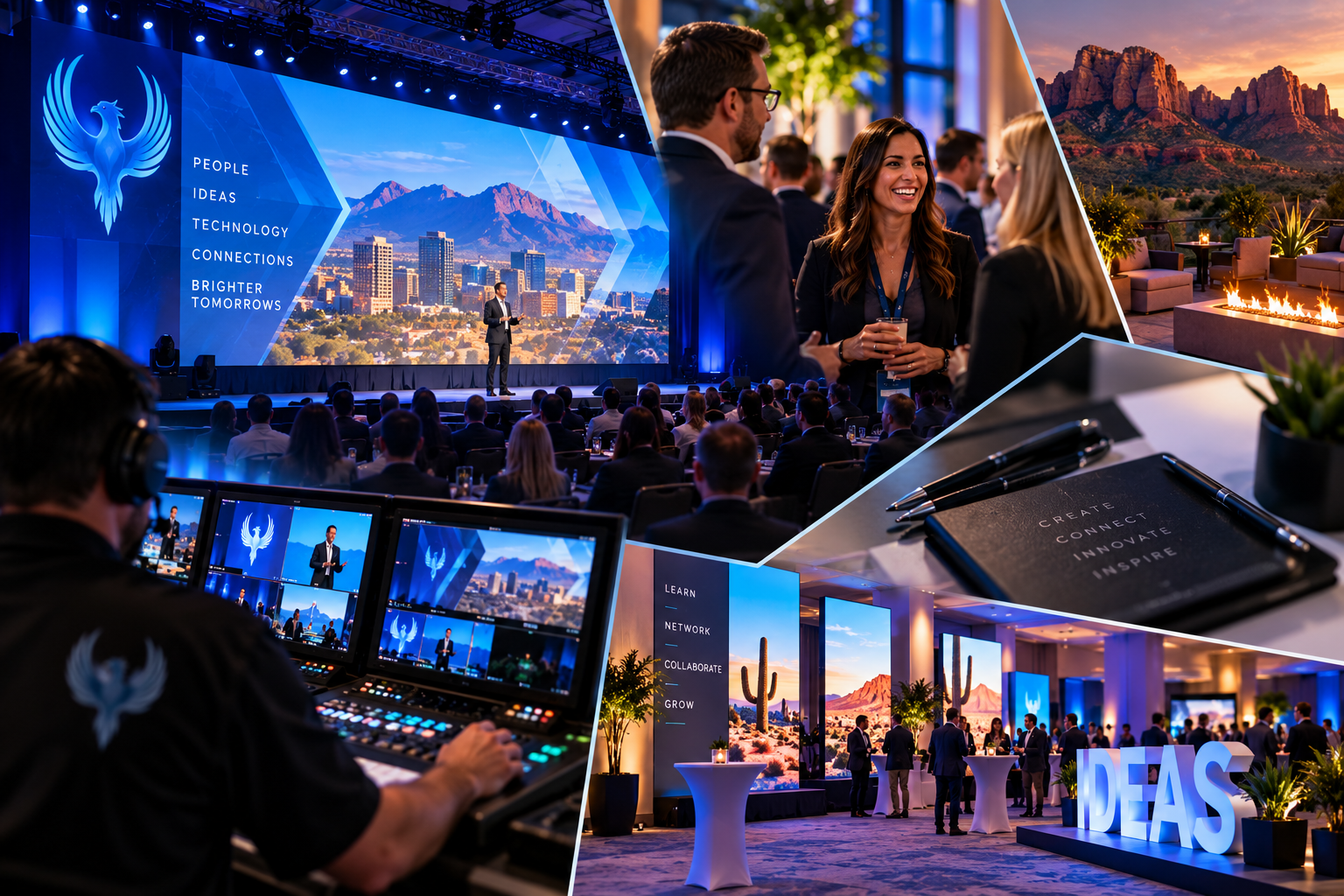
Phoenix Technology Audio Visual helps organizations plan and produce corporate conferences, nonprofit galas, Chamber of Commerce events, awards ceremonies, and other live experiences.
Our professional services include stage lighting, live audio, LED video walls, staging, multi-camera production, live-streaming, and show calling.
From Phoenix and Scottsdale to Tucson, Sedona, Prescott, and beyond, we work to bring the technical elements together so your message takes center stage.
Ready to make your next event shine—for the right reasons? Connect with Phoenix Technology Audio Visual! To see some of our past work lighting up the stage and the scene, click HERE. Be sure to follow us on FACEBOOK & LINKEDIN to see more amazing content like this, as well as news on our upcoming events!
Phoenix Technology Audio Visual — High Tech, Low Footprint Solutions!