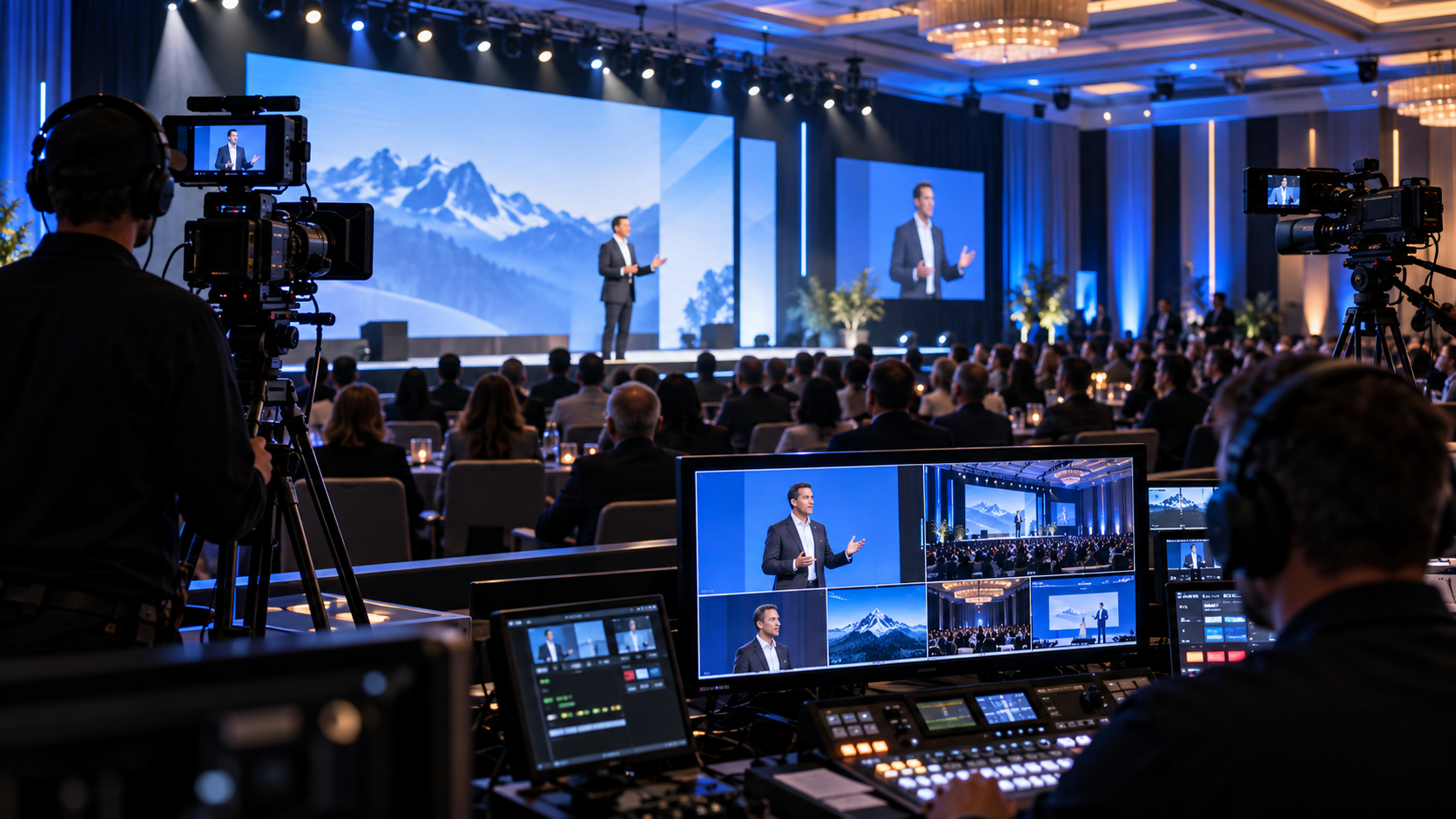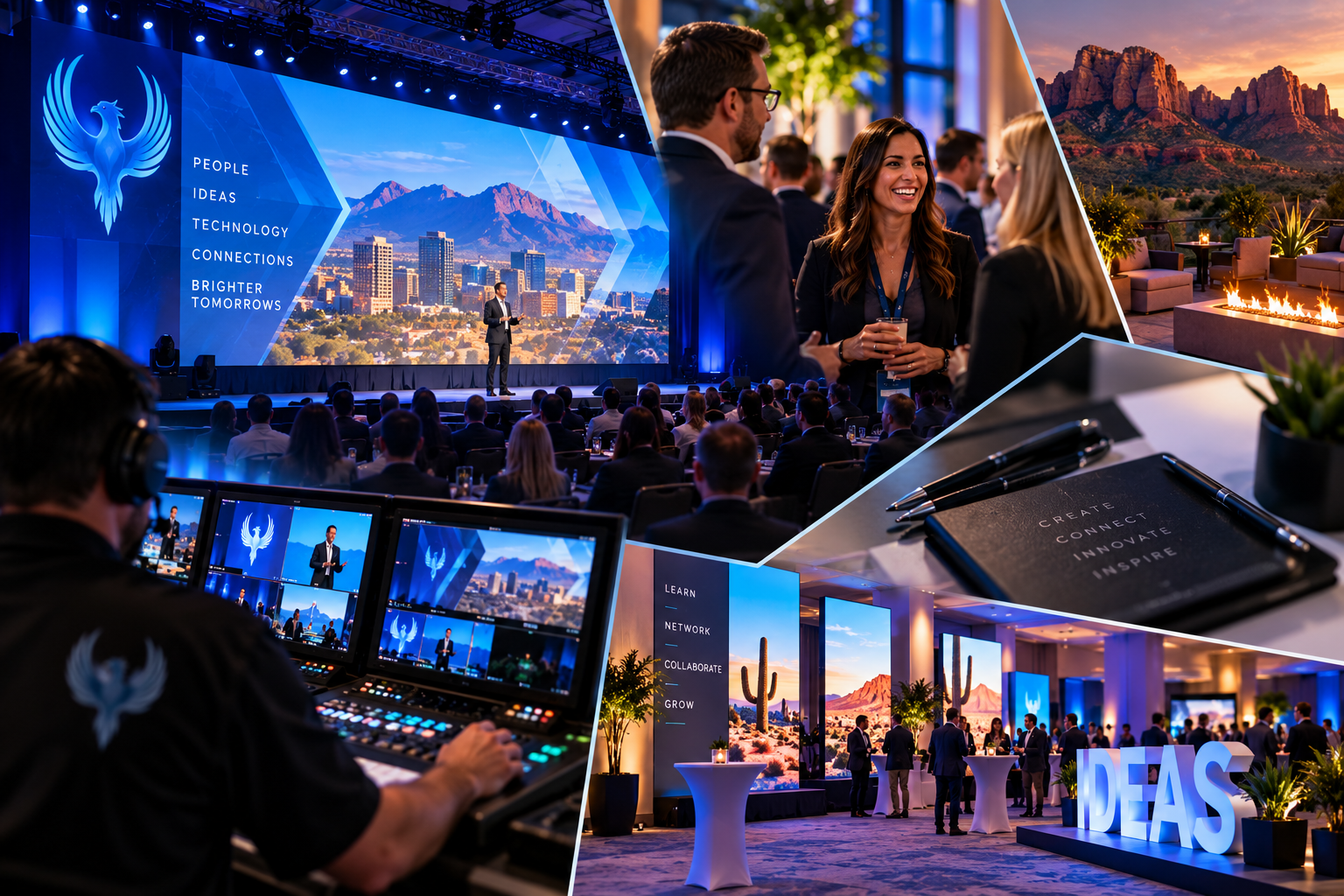
Large LED walls have become the centerpiece of modern live events—corporate conferences, sales summits, galas, fundraisers, and high-profile presentations. When done right, they elevate the entire experience. When done wrong, they expose every design flaw in full, unforgiving resolution.
At Phoenix Technology Audio Visual, we see the same content mistakes repeatedly—not because clients aren’t talented, but because LED walls behave very differently than laptops, TVs, or projectors.
Our guide below walks through the most important, real-world tips for creating LED wall content that looks clean, professional, and intentional—without overcomplicating the process.
1. Keep Aspect Ratios Simple (Even If the Wall Isn’t)
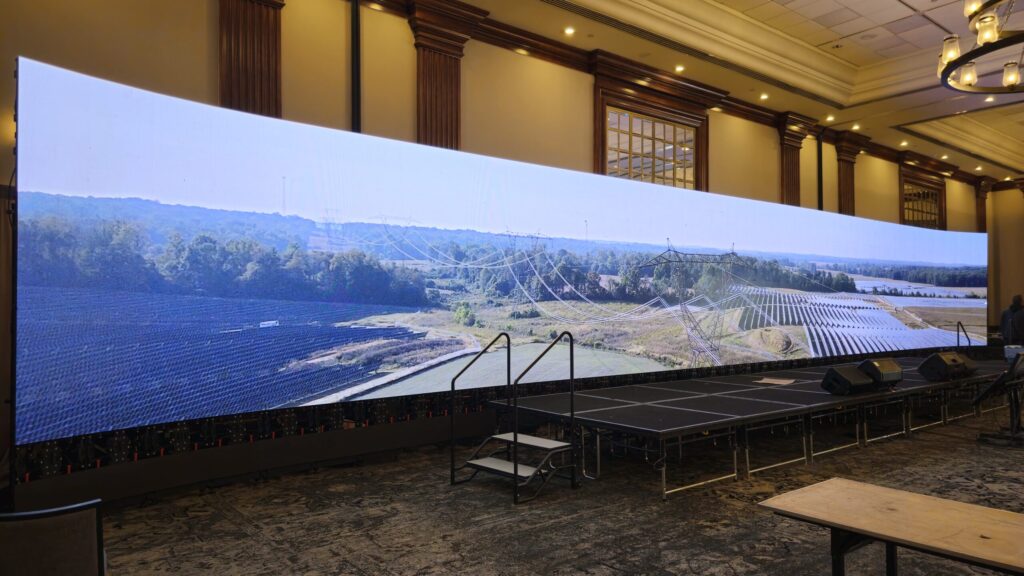
One of the biggest misconceptions about LED walls is that content must exactly match the wall’s native resolution. In reality, forcing custom aspect ratios often creates more problems than it solves.
Large LED walls frequently use:
- Ultra-wide formats
- Non-standard resolutions
- Extended horizontal canvases
Trying to design for these exact dimensions can:
- Stretch graphics unnaturally
- Distort text
- Create scaling issues
- Increase production risk
Pro Tip:
Instead of forcing a perfect match, design within a familiar aspect ratio (such as 16:9) and allow negative space to live around the content. The wall still looks full and intentional—without compromising legibility.
2. Negative Space Is Your Best Friend
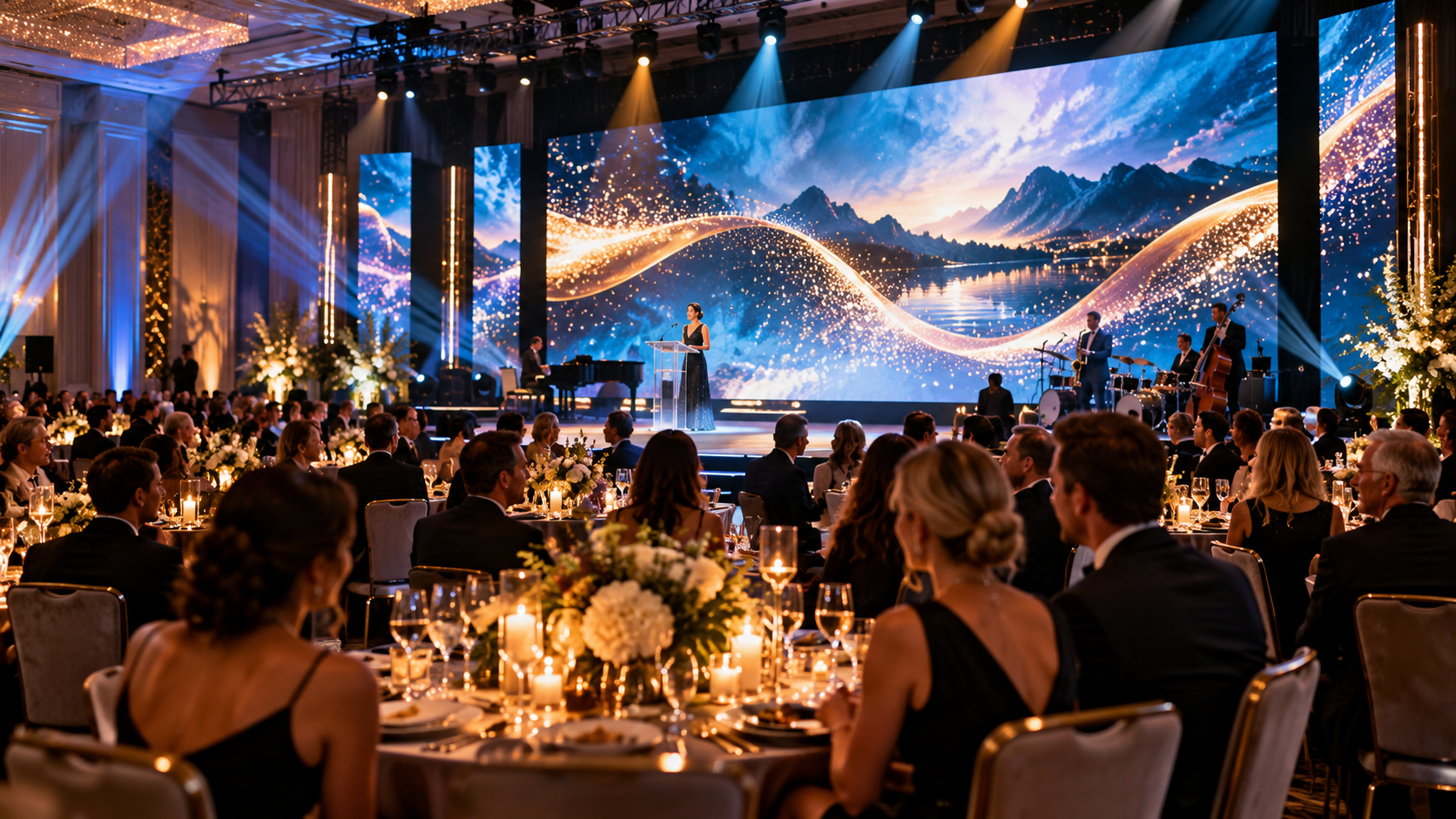
One of the most effective LED wall design strategies is intentional negative space.
Negative space:
- Reduces visual clutter
- Improves readability
- Allows content to breathe
- Looks more polished on large surfaces
Instead of filling every pixel, use:
- Centered layouts
- Framed content
- Subtle textures or gradients in unused areas
This approach is especially effective for:
- Speaker slides
- Sponsor recognition
- Agenda displays
- Fundraiser messaging
Big screens don’t require big content—they require clear content.
3. Use Templates Designed for Flexibility, Not Perfection
Rather than creating one “perfect” slide size, build flexible templates that can adapt to different wall configurations.
Effective templates often include:
- Safe margins
- Centered content zones
- Background designs that tolerate cropping
- Flexible text scaling
These templates allow production teams to:
- Scale content without distortion
- Adjust placement on the fly
- Accommodate unexpected screen changes
Flexibility always wins in live production.
4. PowerPoint Is More Powerful Than Most People Realize
Many people underestimate PowerPoint as a professional content tool—but in live events, it’s incredibly effective when used correctly.
Creating Custom LED Wall Templates in PowerPoint:
- Set custom slide dimensions to approximate wall proportions
- Design within a centered “safe area”
- Use background elements to fill space gracefully
- Export slides as images or video for playback
PowerPoint allows fast iteration, easy edits, and compatibility across systems—making it ideal for event environments where last-minute changes are common.
5. Understand Cross-Platform Resolution Differences (Windows vs Mac)
One often overlooked issue in LED wall content creation is how different operating systems handle scaling.
Common Challenges:
- Fonts rendering differently between systems
- Slight shifts in layout
- Resolution mismatches/formatting
- Color profile inconsistencies
Best Practice:
Always test content on the same platform it will be played back on.
If that’s not possible:
- Use common fonts
- Avoid thin lines and small text
- Stick to high-contrast designs
- Export final content as video or image files
This minimizes surprises once content hits the wall.
6. Abstract Aspect Ratio Workarounds Are Often the Cleanest Solution
When working with ultra-wide or unconventional LED walls, sometimes the cleanest solution is not filling the entire canvas.
Abstract approaches include:
- Repeating background textures
- Gradient fills
- Subtle motion graphics
- Static branded patterns
These elements create visual continuity without forcing content into awkward proportions.
Audiences care more about clarity and polish than pixel perfection.
7. Avoid Overloading the Screen With Text
LED walls magnify everything—including poor design choices.
Too much text:
- Becomes unreadable from a distance
- Distracts from speakers
- Overwhelms the audience
Rule of Thumb:
If you wouldn’t put it on a billboard, don’t put it on an LED wall.
Use:
- Short headlines
- Supporting keywords
- Visual reinforcement
Let the speaker deliver the detail—not the screen.
8. Use Motion Carefully and Intentionally
Motion content can elevate LED walls—but only when used with restraint.
Overuse leads to:
- Visual fatigue
- Distracting backgrounds
- Competing focal points
Effective motion includes:
- Slow loops
- Subtle transitions
- Ambient movement
- Soft animation
Motion should enhance the message—not fight it.
9. Free Content Resources Can Be Extremely Useful
Not every event requires custom-designed visuals from scratch. There are many free and low-barrier resources available for:
- Abstract backgrounds
- Textures
- Motion loops
- Pattern fills
These assets can be:
- Customized with event colors
- Used as negative space fillers
- Combined with simple text overlays
When used strategically, they save time and still look professional.
10. Design for Distance, Not Desktops
LED walls are viewed from across rooms—not inches from a screen.
Design accordingly:
- Large font sizes
- High contrast
- Minimal detail
- Clear hierarchy
If content looks “boring” on a laptop, it often looks perfect on a large LED wall.
11. Always Provide Content Early (and Final Versions)
From a production standpoint, early content delivery allows:
- Proper testing
- Scaling adjustments
- Backup creation
- Quality control
Last-minute uploads increase risk exponentially.
At Phoenix Technology Audio Visual, we always encourage clients to submit:
- Final files
- Backup versions
- Clear naming conventions
This protects the show—and the message.
12. Trust the Production Team’s Recommendations
LED walls are not TVs. They are complex, modular systems designed for live environments.
Production teams understand:
- Pixel pitch behavior
- Viewing distances
- Lighting interaction
- Camera considerations
- Playback limitations
When recommendations are made, they’re based on real-world experience, not theory.
Final Thoughts

Great LED wall content doesn’t need to be complicated. It needs to be intentional, flexible, and designed for live environments.
By:
- Keeping aspect ratios simple
- Embracing negative space
- Using flexible templates
- Designing for distance
- Testing across platforms
You dramatically improve the visual impact of your event.
At Phoenix Technology Audio Visual, our goal is always the same:
To help content look exactly the way it’s meant to—confident, clean, and powerful—on the biggest screens we’ll have in your room! Reach out to our team today, for a free consult on what size LED wall would best suit your upcoming event. Check out examples of our Past Work, and Click Here for more awesome content on our Facebook page