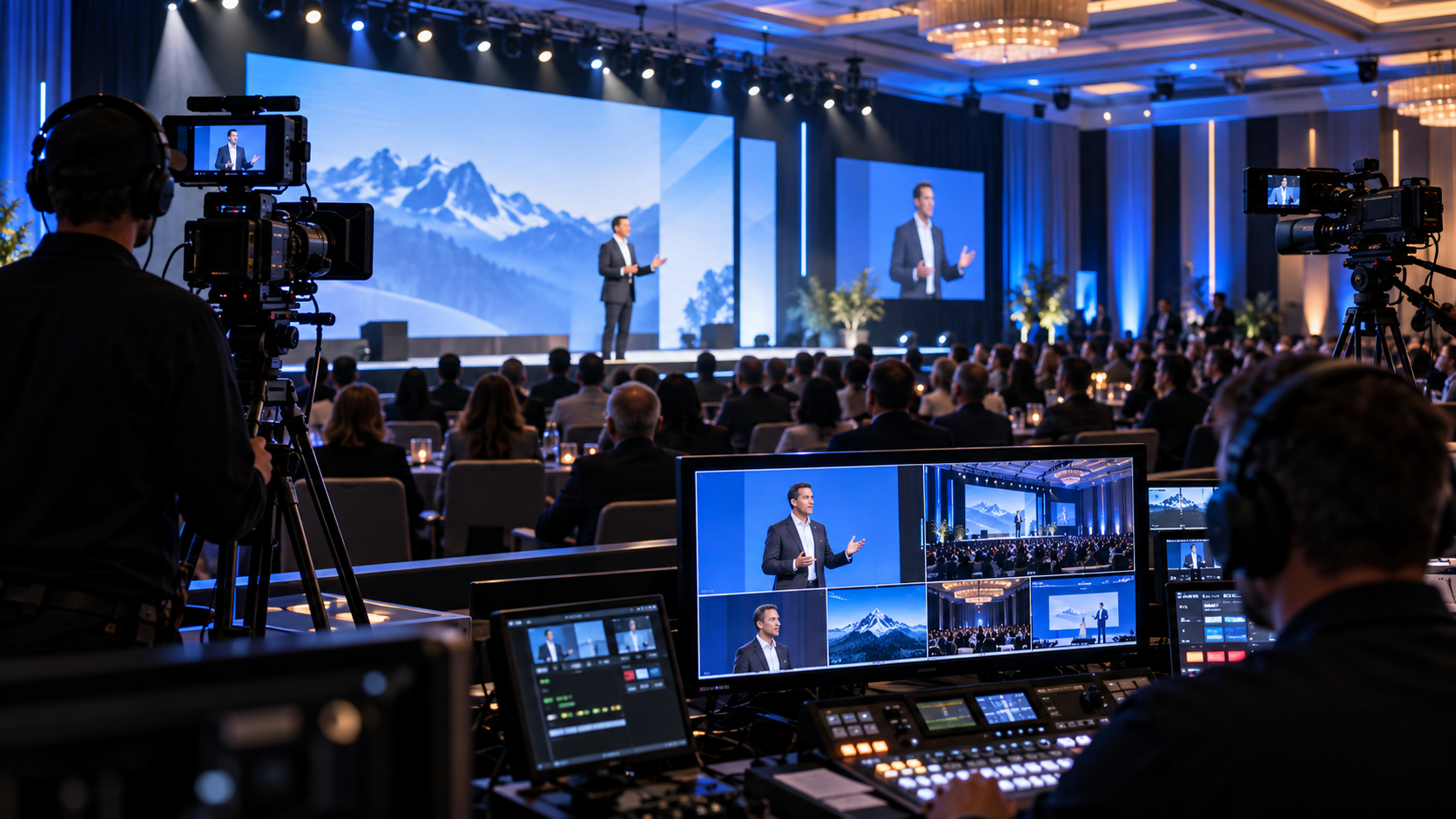
In today’s world of convenience, cloud-based presentation tools like Google Slides, Canva, PowerPoint Online, Prezi, and other browser-based platforms have become the go-to solution for everyday meetings and remote collaboration. They’re fast, accessible, and great for drafting content with distributed teams.
However, when it comes to live events, corporate presentations, galas, conferences, fundraisers, and sales summits, convenience should never outweigh control, reliability, and performance.
At Phoenix Technology Audio Visual, we’ve supported hundreds of live events across a wide range of environments. And one lesson remains constant:
“Cloud-based presentation tools are one of the biggest hidden risks in live event production.”
Let’s break down exactly why these platforms should never be relied on for live presentations—and what professional alternatives actually work.
1. Live Events Require Absolute Reliability — Not “Mostly Works”
Cloud-based platforms depend on multiple external variables to function properly:
- Internet stability
- Browser performance
- Account logins
- Server uptime
- Sync timing
Any one of these can fail.
In a live event setting, “mostly works” is unacceptable. When a presenter clicks “next slide,” the content must appear instantly, every time, without delay or error.
Real-World Risks:
- Slides freezing mid-presentation
- Delayed slide changes
- Content failing to load
- Presenter losing control of navigation
- Account timeout or forced re-login
At a live event, there are no do-overs. Every second of delay is visible to the audience and damages credibility.
2. Internet Dependency Is the Biggest Liability in the Room
Even in venues with “strong Wi-Fi,” live event bandwidth is unpredictable.
You’re competing with:
- Attendee devices
- Streaming services
- Venue systems
- Exhibitor networks
- Livestream feeds
- On-site production equipment
Cloud-based presentation tools require a constant, stable internet connection to function as intended. If bandwidth fluctuates—or drops entirely—your presentation becomes unusable.
Common Scenarios We See:
- Slides partially loading
- Fonts or images missing
- Embedded media failing
- Presenter stuck waiting while the audience watches
Professional live production never relies on active internet connections for critical show elements.
3. Browser-Based Playback Is Not Built for Show Environments
Cloud tools run inside web browsers, which introduces additional risk:
- Browser crashes
- Tab mis-clicks
- Auto-updates
- Memory leaks
- Notification pop-ups
- Background processes interfering with playback
Live events require dedicated playback environments, not consumer browsers juggling multiple tasks.
In a controlled production environment, every piece of software is:
- Pre-tested
- Locked down
- Optimized for performance
- Isolated from unnecessary processes
Browsers were never designed to run mission-critical live presentations.
4. Video & Media Playback Is Unreliable in Cloud Platforms
Many presenters embed videos or animations into cloud-based slides. This is where problems multiply.
Issues include:
- Videos buffering mid-playback
- Audio desynchronization
- Resolution downgrades
- Frame drops
- Playback lag on large LED displays
What looks “fine” on a laptop becomes painfully obvious on:
- Large projection screens
- LED walls
- Multi-screen setups
- Livestream outputs
Professional audiences notice these flaws immediately.
5. Limited Control for Show Calling & Technical Teams
Live events require precise coordination between:
- Presenters
- Video operators
- Show callers
- Lighting cues
- Audio transitions
Cloud-based tools offer little to no professional show control.
Common limitations:
- No external cueing support
- No redundancy options
- No reliable timeline control
- No failover playback
- No integration with professional switching systems
From a production standpoint, cloud presentations are a black box—and black boxes don’t belong in live shows.
6. Security & Account Access Issues Can Derail an Event
Cloud platforms introduce unnecessary security risks:
- Forgotten passwords
- Account lockouts
- Permission issues
- Two-factor authentication delays
- Ownership conflicts
We’ve seen events delayed because:
- The presenter didn’t have edit access
- The file was owned by someone not present
- Login credentials failed minutes before showtime
Live events need offline-accessible, locally stored content with clear ownership and control.
7. Scaling Issues on Large Displays
Cloud-based slides are designed for:
- Laptops
- Tablets
- Small meeting rooms
They are not optimized for:
- Large LED walls
- Ultra-wide screens
- Custom resolutions
- Multi-output systems
Scaling issues include:
- Blurry text
- Cropped content
- Incorrect aspect ratios
- Misaligned graphics
Professional event visuals demand pixel-accurate playback, not browser-based guesswork.
Proven Alternatives That Actually Work
So what should you use instead?
1. Locally Stored Presentation Files
Presentations should be:
- Downloaded
- Finalized
- Stored locally
- Backed up on multiple systems
This removes internet dependency entirely.
2. Dedicated Playback Systems
Professional events use:
- Dedicated presentation playback machines
- Controlled operating environments
- Redundant systems for failover
- Pre-tested cue sequences
This ensures instant response and zero surprises.
3. Video-Based Presentation Delivery
For high-stakes events, converting presentations into video playback formats provides:
- Consistent timing
- Perfect transitions
- Seamless audio
- Predictable results
This approach is especially effective for:
- Keynotes
- Sales summits
- Fundraisers
- Opening sequences
4. Professional Show Control Workflows
Live events benefit from:
- Operator-driven playback
- Cue-based transitions
- Redundancy systems
- Integrated switching and routing
This allows the production team to protect the presenter and the event.
Why Phoenix Technology Audio Visual Takes a Firm Stand on This
At Phoenix Technology Audio Visual, our responsibility is to:
- Remove risk
- Anticipate failure points
- Protect the client’s reputation
- Deliver flawless execution
Cloud-based presentation tools introduce avoidable risk into environments where precision matters most.
They’re excellent for collaboration. They’re convenient for drafting. They are not designed for live show execution.
Final Takeaway
If your event matters… If your audience matters… If your message matters…
Then your presentation delivery must be controlled, tested, and professionally executed. Cloud-based tools are built for convenience. Live events demand certainty. And when it matters most, certainty always wins.