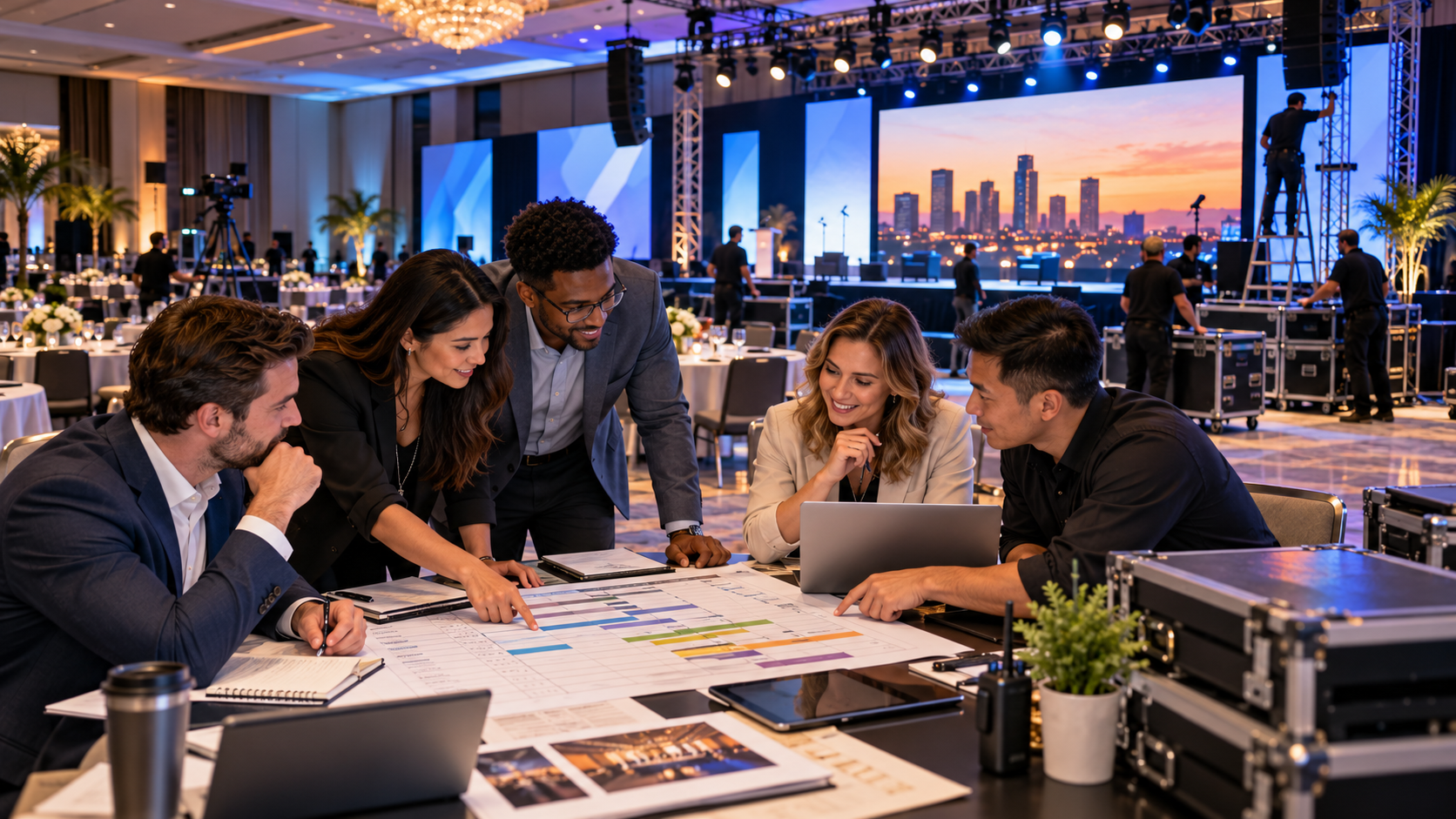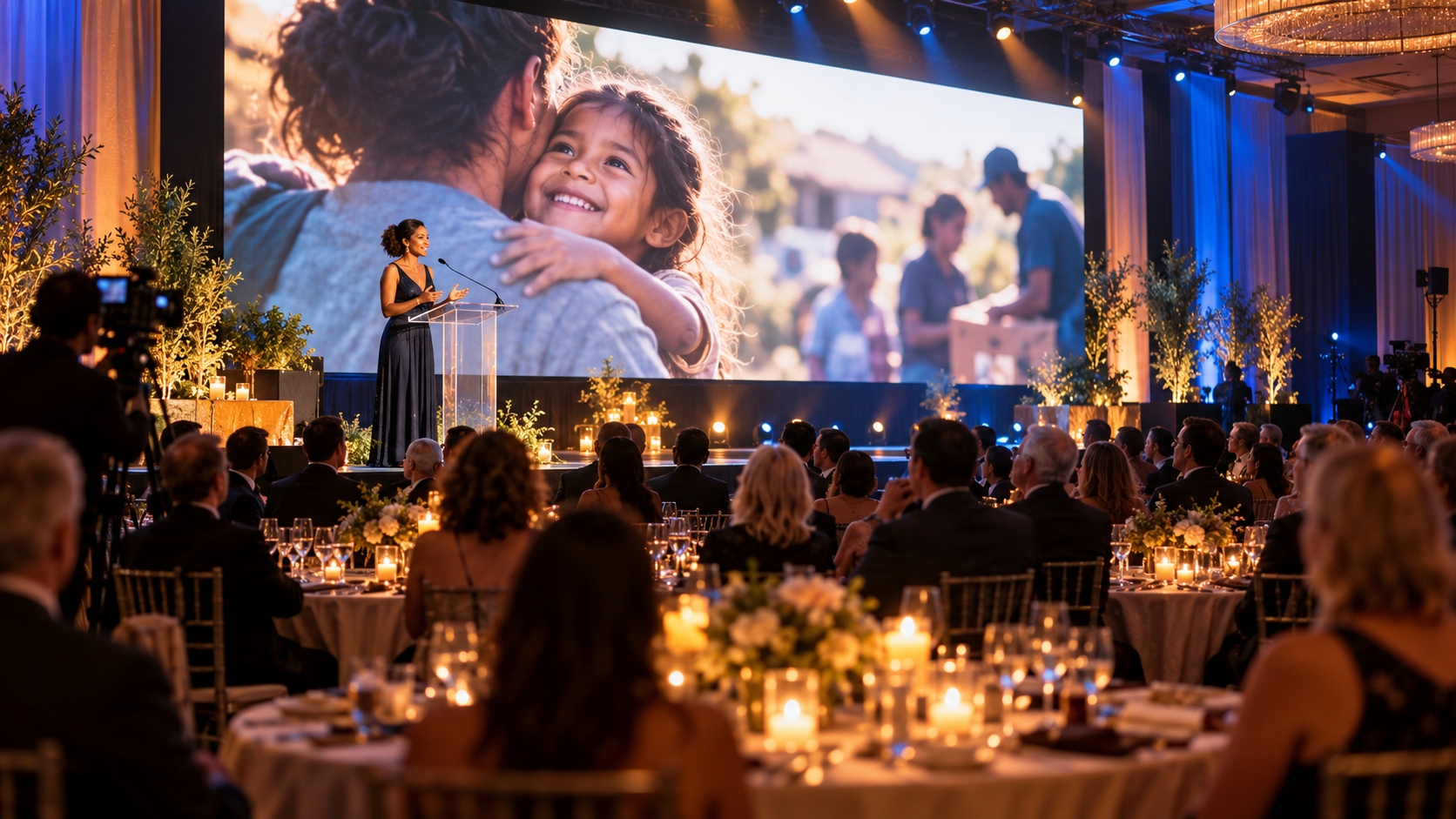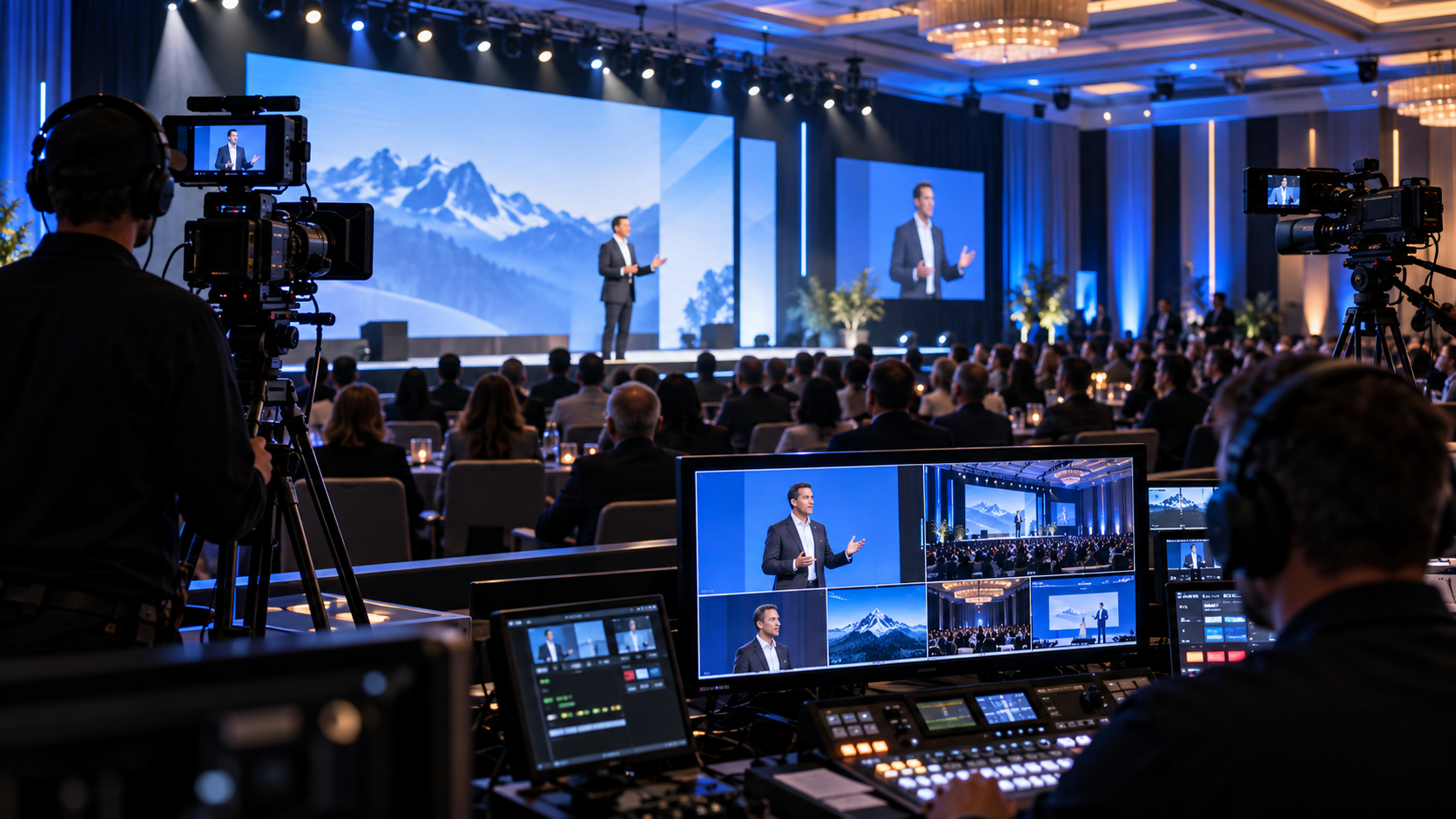
Whether you’re organizing a corporate sales summit, annual shareholders meeting, nonprofit fundraiser, leadership conference, association convention, or company-wide town hall, one thing remains true: the success of your event depends on the planning that happens long before your guests arrive. That means working diligently to mitigate mistakes.
Many organizations spend months selecting keynote speakers, creating presentation decks, choosing venues, and inviting attendees—but surprisingly little time is dedicated to the technical production that brings all of those elements together.
Unfortunately, this often results in avoidable problems like poor sound quality, unreadable presentation slides, lighting that leaves speakers in the dark, or last-minute technical surprises that create unnecessary stress.
At Phoenix Technology Audio Visual, we’ve supported events of all sizes and have seen firsthand what separates seamless productions from those that struggle. While every event is unique, there are several common mistakes that appear time and time again.
In this article, we’ll explore fifteen of the biggest planning mistakes organizations make—and more importantly, how to avoid them.
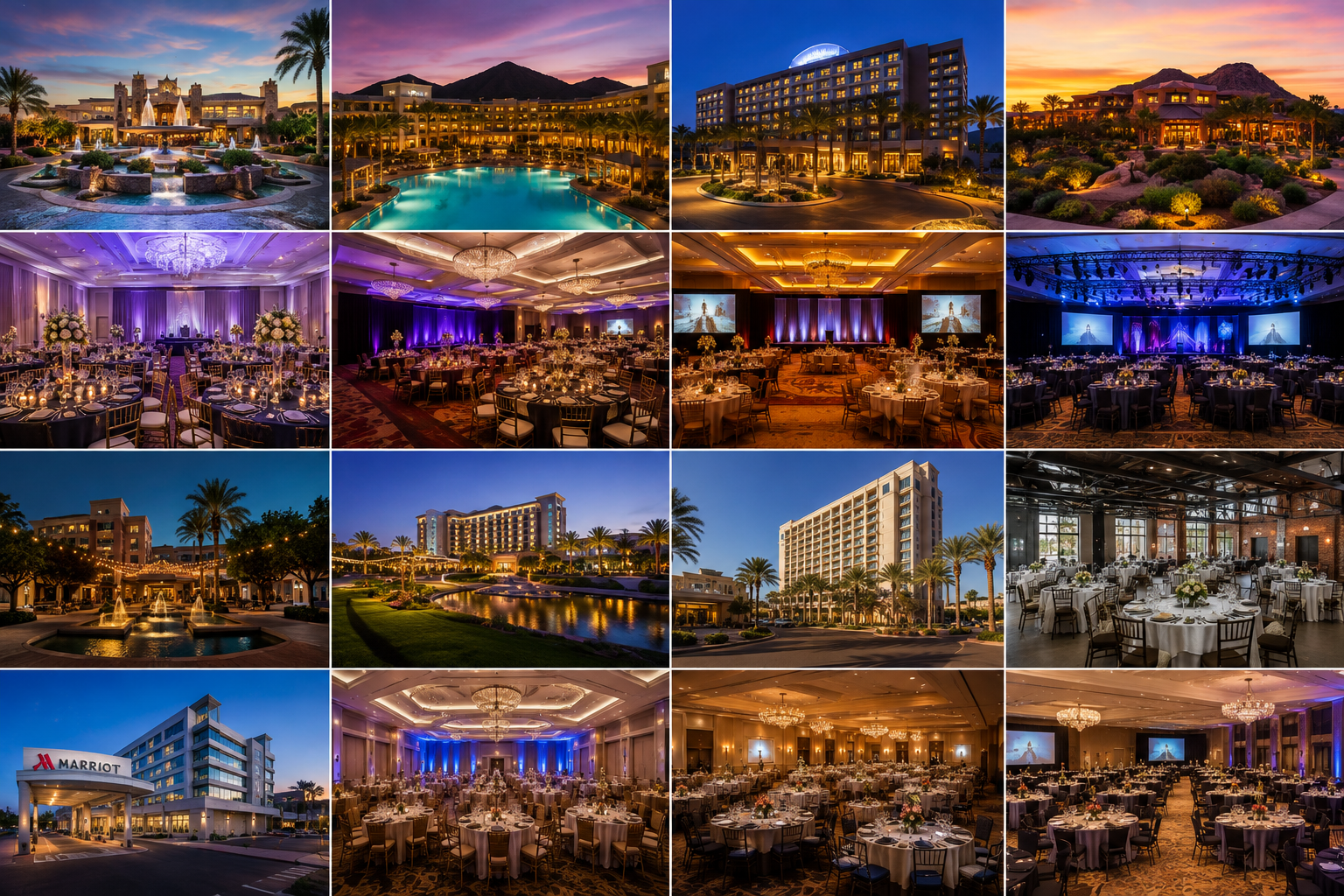
Mistake #1: Waiting Too Long to Involve Your A/V Team
One of the most common—and costly—mistakes is treating your audio visual provider as the last item on the checklist.
Many organizations secure a venue, finalize room layouts, book speakers, print agendas, and then call an A/V company just weeks before the event.
By then, many important production decisions have already been made.
Why This Creates Problems
Imagine planning a leadership conference for 600 attendees.
You’ve selected the ballroom, arranged banquet seating, confirmed presenters, and designed a beautiful stage backdrop. A week before the event, your A/V provider visits the venue and discovers:
- The stage is too small for the planned LED wall.
- Ceiling rigging restrictions limit where lighting can be installed.
- Existing power circuits cannot support the requested equipment.
- The projection throw distance is inadequate.
- Sightlines from the rear of the room are blocked by decorative elements.
None of these issues are impossible to solve—but they become significantly more expensive and stressful when discovered at the last minute.
The Better Approach
Bring your production partner into the conversation during the earliest planning stages.
An experienced event production team can advise on:
- Venue selection
- Room orientation
- Stage sizing
- Audience sightlines
- Power requirements
- Internet connectivity
- Rigging limitations
- Load-in logistics
- LED wall placement
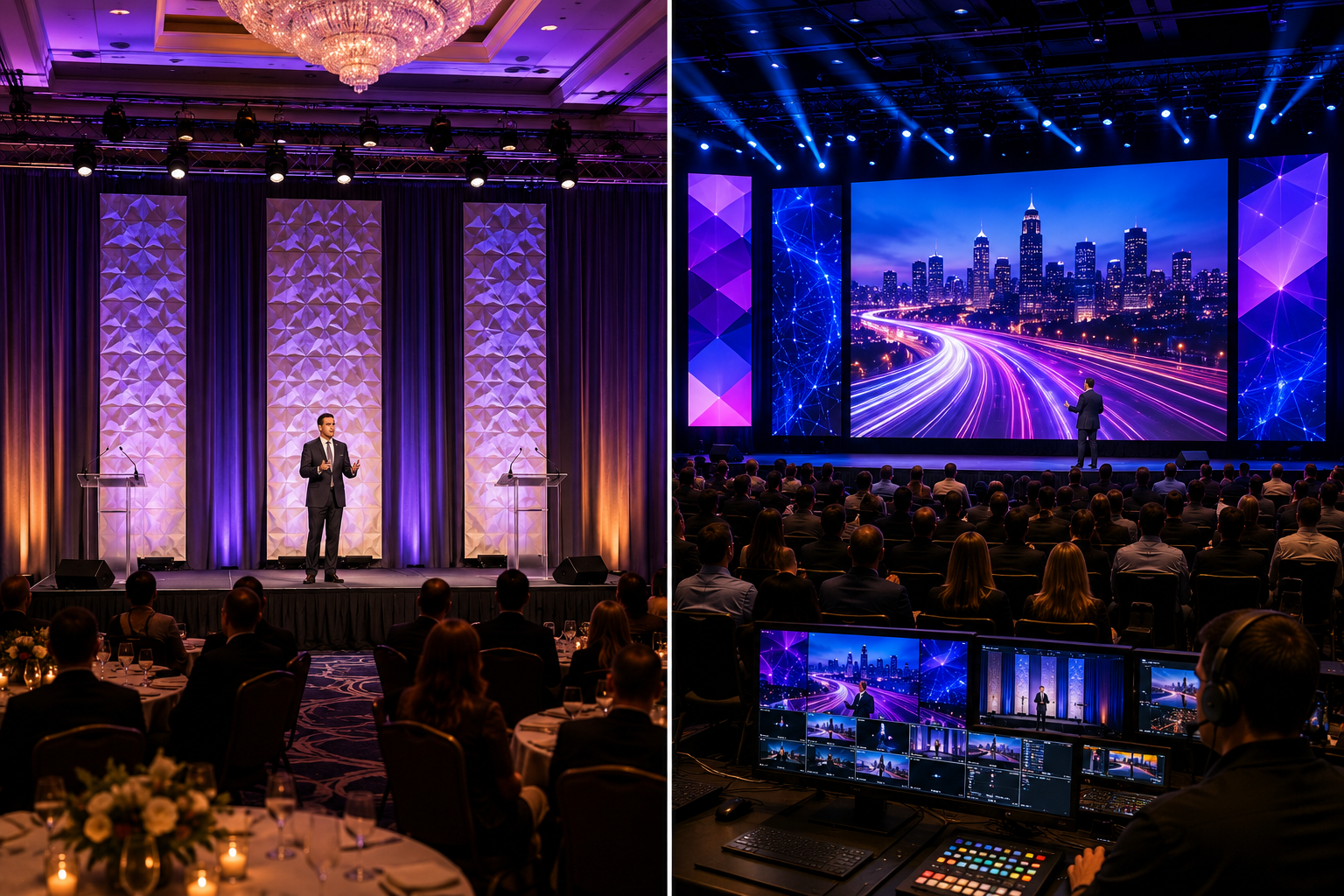
- Camera positions for livestreaming or IMAG (Image Magnification)
Early collaboration often saves money because potential problems are identified before they require expensive changes.
Think of your A/V provider as part of your planning committee—not just the crew that arrives with speakers and cables.
Mistake #2: Choosing the Wrong Room Layout
A beautiful venue doesn’t automatically create a successful meeting.
Room layout has a tremendous impact on audience engagement, visibility, acoustics, and production quality.
A Real-World Example
A company schedules its annual meeting in a large ballroom. To maximize attendance, banquet tables are placed deep into the room. The stage remains only twelve inches high. Everything looks great during setup. Then the audience arrives. Guests seated beyond the tenth row can barely see the presenters. The projection screens are partially blocked. Camera operators struggle to capture clean shots. Presenters lose eye contact with much of the audience.
None of these issues are caused by poor equipment—they’re caused by room layout.
Common Layout Mistakes
- Stage too low
- Screens placed too close together
- Speaker podium blocking presentation screens
- Camera positions obstructed
- Center aisles omitted
- Tables blocking emergency access
- Audio speaker placement creating uneven coverage
Understanding Sightlines
One of the first things production teams evaluate is the audience’s line of sight. Can every attendee clearly see:
- The presenter?
- Presentation screens?
- Demonstrations?
- Panel discussions?
If the answer is “no,” adjustments should be made before guests ever enter the room. Sometimes raising a stage by just a foot or relocating a screen dramatically improves the audience experience.
Mistake #3: Underestimating the Importance of Professional Audio
People often forgive mediocre visuals. They rarely forgive poor audio. If attendees cannot clearly understand speakers, they quickly become frustrated and disengaged. In live event production, intelligibility is everything.
It’s Not About Being Loud
One misconception is that adding larger speakers automatically improves sound. Professional audio is about coverage, clarity, and consistency.
The goal is for every attendee—from the front row to the back of the ballroom—to hear the same message at nearly the same volume. This requires careful system design.
Factors That Affect Audio Quality
Professional technicians evaluate:
- Ceiling height
- Room dimensions
- Reflective surfaces
- Audience size
- Speaker placement
- Delay timing
- DSP (Digital Signal Processing)
- Microphone selection
- Ambient noise
Each variable affects how sound travels throughout the room.
Choosing the Right Microphone
Not every microphone serves the same purpose.
Examples include:
- Wireless handheld microphones – Perfect for audience Q&A sessions or awards presentations.
- Lavalier microphones – Excellent for keynote speakers who move freely around the stage.
- Headset microphones – Ideal for energetic presenters, trainers, or fitness demonstrations because they maintain consistent audio regardless of head movement.
- Podium microphones – Useful for formal presentations but less flexible if speakers frequently step away from the lectern.
Choosing the correct microphone improves clarity while reducing feedback and handling noise.
Why Audio Testing Matters
Professional sound checks don’t simply verify that microphones turn on. Technicians also:
- Ring out the system to minimize feedback.
- Balance speech frequencies.
- Verify wireless frequency coordination.
- Test playback sources.
- Confirm redundancy for critical presentations.
These steps help prevent many of the issues attendees notice immediately.
Mistake #4: Designing Presentation Content Without Thinking About the Audience
Presentation content isn’t created for the presenter. It’s created for the audience. Unfortunately, many presentations are built on office monitors without considering how they’ll appear on a 16-foot projection screen—or an even larger LED wall.
Common Visual Mistakes
We’ve all seen them:
- Tiny fonts
- Paragraphs with hundreds of words
- Low-resolution graphics
- Stretched images
- Busy charts
- Color combinations with poor contrast
While they may appear acceptable on a laptop, they become difficult to read from the back of a ballroom.
Keep It Simple
A helpful rule is this:
If someone sitting in the last row can’t understand your slide within five seconds, it’s probably too busy.
Professional presentations typically feature:
- Large, readable fonts
- High-resolution graphics
- Limited text
- Strong contrast
- Consistent branding
- Clean layouts
- Strategic use of negative space
Think Beyond Projection
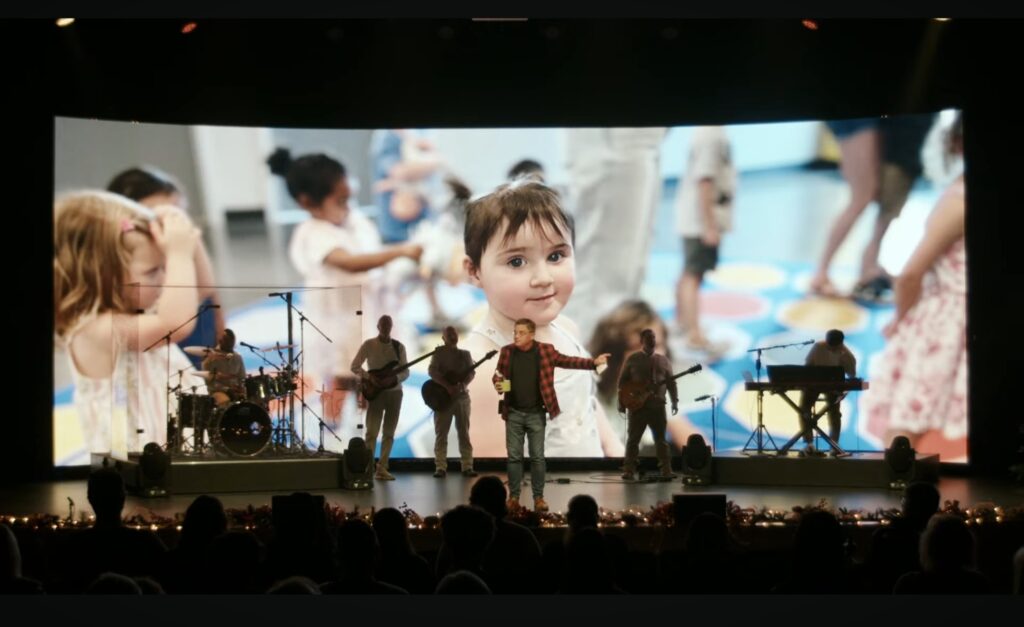
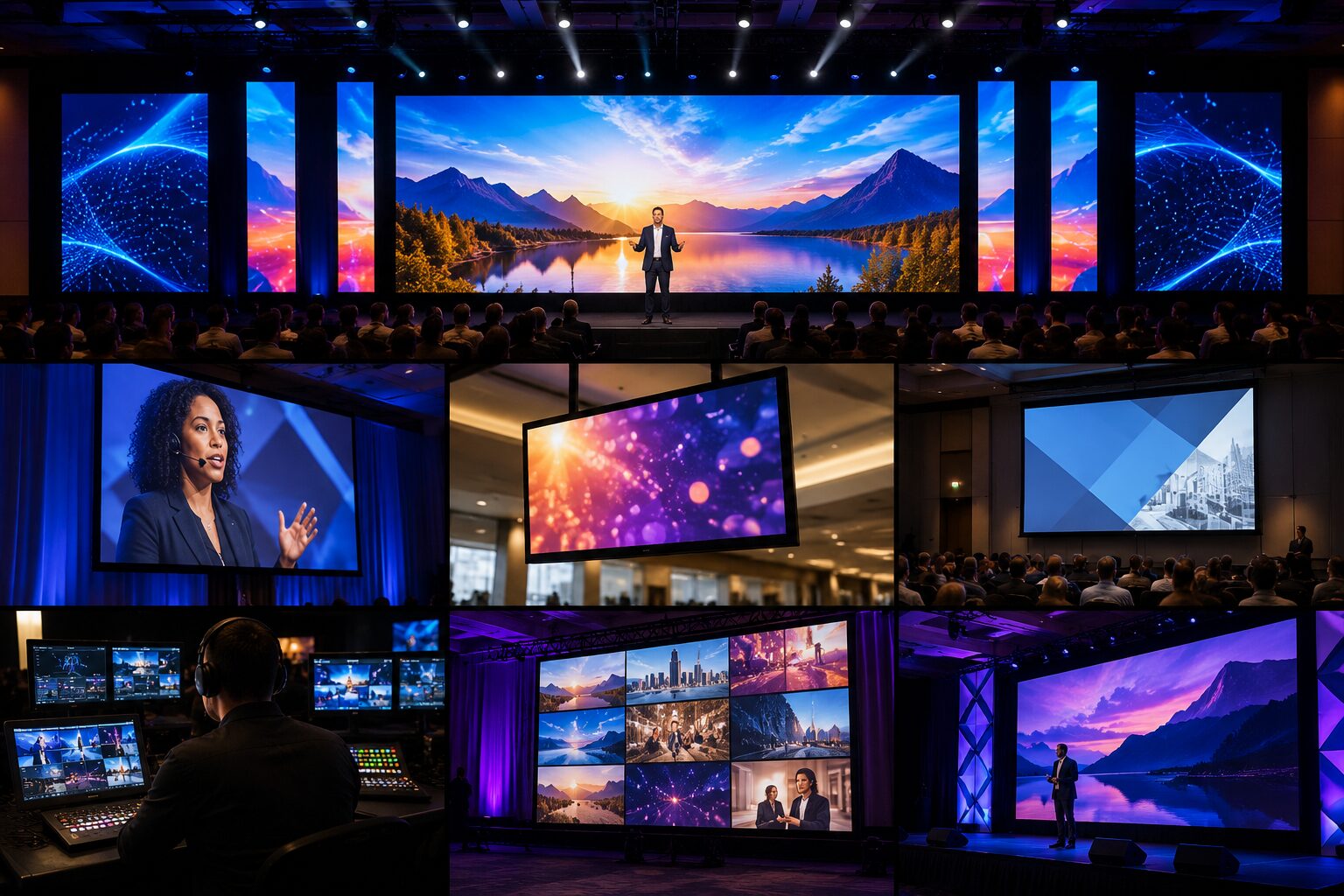
Many organizations now use LED walls instead of traditional projection.
LED walls provide exceptional brightness, vivid colors, and excellent visibility—even in brightly lit rooms.
However, they also require properly formatted content.
For example, unusually wide LED wall resolutions often benefit from custom-designed presentation templates that maintain safe content areas while allowing dynamic background graphics to fill the remaining space.
This approach keeps presentations clean while taking full advantage of the display’s visual impact.
Test Before Event Day
One of the easiest ways to prevent presentation problems is conducting a playback rehearsal before the event.
Review:
- Videos
- Embedded animations
- Fonts
- Aspect ratios
- Slide transitions
- Audio playback
- Clicker functionality
Small adjustments made during rehearsal can eliminate major headaches during the live presentation.
Mistake #5: Assuming the Venue Has Everything You Need
One of the biggest misconceptions in event planning is that because a venue hosts meetings regularly, it automatically has everything required for your event.
The truth is that every event has unique technical requirements.
A venue may provide basic house lighting, a projection screen, or built-in speakers, but those systems may not be designed for your audience size, room configuration, or production goals.
A Real-World Example
Imagine you’re hosting a regional sales meeting with 450 attendees. The venue tells you the ballroom includes a sound system and projector. On paper, that sounds perfect.
But once your A/V team arrives, they discover:
- The projector isn’t bright enough for the ambient lighting.
- The ceiling speakers are designed for background music—not keynote presentations.
- There are only a few wireless microphones available.
- The built-in screen is too small for attendees seated in the back.
- There aren’t enough power circuits near the stage for additional production equipment.
Now you’re making last-minute adjustments that could have been avoided with an early site visit.
Questions to Ask Before Booking
- What equipment is permanently installed?
- Is there adequate power near the stage?
- Are rigging points available?
- Can lighting fixtures be hung?
- Are there restrictions on load-in or setup times?
- Is dedicated internet available for livestreaming?
- Are there noise restrictions?
- Can the room be darkened if projection is planned?
Never assume “included A/V” automatically meets the needs of your event.
Mistake #6: Forgetting About Lighting Until the Last Minute
Lighting is often one of the last production elements discussed. Ironically, it’s one of the first things attendees notice when they walk into the room.
Professional lighting does much more than illuminate a stage—it shapes the mood, directs attention, enhances branding, and improves video quality.
Poor Lighting Creates Poor Impressions
Imagine a CEO delivering an important company announcement. The room lights remain fully on because no one planned for stage lighting. The speaker’s face appears shadowed. Presentation screens look washed out. Photographs lack contrast. Livestream viewers struggle to see facial expressions.
Although the message may be excellent, the presentation feels less polished.
Layering Your Lighting Design
Professional event lighting is typically built in layers:
- Front Wash – Provides even illumination on presenters and panelists.
- Back Light – Separates speakers from the background and adds depth.
- Accent Lighting – Highlights décor, scenic elements, or branded displays.
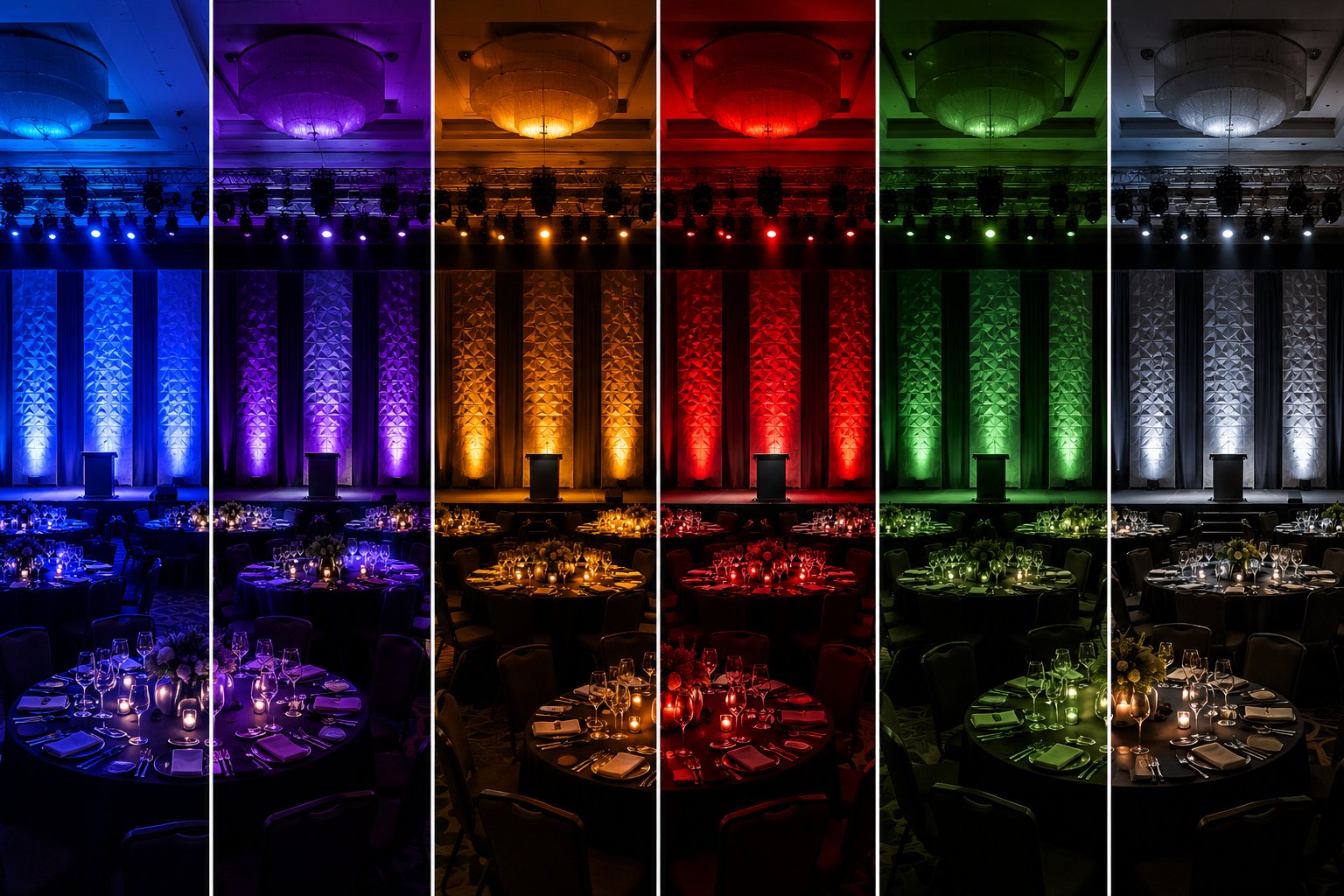
- Uplighting – Adds color and transforms otherwise plain walls into elegant design features.
- Audience Lighting – Maintains enough visibility for interaction without distracting from the stage.
Lighting Helps Tell Your Story
Lighting should evolve throughout the event.
For example:
- Soft white lighting during registration.
- Company brand colors during opening remarks.
- Dynamic lighting for award presentations.
- Warm amber tones for dinner.
- High-energy moving lights during closing celebrations.
These transitions create energy and help reinforce the flow of your Run of Show.
Mistake #7: Ignoring Internet and Network Requirements
Today’s meetings rely heavily on internet connectivity. Unfortunately, many planners assume venue Wi-Fi is sufficient simply because attendees can check email.
Production equipment often has much greater demands.
Common Internet-Dependent Elements
- Livestreaming
- Virtual presenters
- Hybrid meetings
- Audience polling
- Event apps
- Presenter demonstrations
- Cloud-based presentations (do NOT do this!)
- Remote interpretation services
If dozens—or even hundreds—of attendees are simultaneously using the same wireless network, performance can quickly deteriorate.
Why Dedicated Internet Matters
Professional productions often request a dedicated wired internet connection reserved exclusively for production equipment. This prevents bandwidth competition from attendee devices.
A dedicated connection also improves reliability for:
- Video streaming
- Remote presenters
- Live demonstrations
- Broadcast encoding
- Event registration systems
Always Have a Backup
Experienced production teams plan for redundancy.
Possible backup solutions include:
- Secondary internet connections
- Cellular bonding systems
- Offline presentation copies
- Local video playback instead of cloud streaming
- Redundant recording
Hope is never a production strategy.
Having contingency plans helps ensure your meeting continues smoothly if connectivity issues arise.
Mistake #8: Skipping Rehearsals Because “We’ve Done This Before”
Few mistakes create more unnecessary risk than skipping rehearsals. Many organizations believe experienced speakers don’t need practice.
Unfortunately, rehearsals aren’t just for presenters—they’re for the entire production team.
What Happens During a Technical Rehearsal?
A professional rehearsal allows everyone to verify:
- Presentation timing
- Video playback
- Microphone changes
- Confidence monitor placement
- Camera framing
- Lighting cues
- Walk-on music
- Slide transitions
- Stage entrances and exits
- Panel discussion seating
- Audience Q&A procedures
It also gives presenters an opportunity to become comfortable with the stage before attendees arrive.
Real-World Scenario
A keynote speaker brings an updated presentation on a USB drive minutes before the meeting begins. The new file contains embedded videos using unsupported codecs. Without rehearsal, technicians discover the issue only after the presentation starts.
The audience watches an error message instead of the intended video. Had the content been tested earlier, there would have been plenty of time to convert the files or prepare an alternate playback method.
Confidence Builds Confidence
Rehearsals also reduce presenter anxiety.
Walking the stage beforehand allows speakers to:
- Learn microphone techniques.
- Practice pacing.
- Understand confidence monitors.
- Coordinate with slide operators.
- Test audience interaction.
When presenters feel confident, audiences notice.
Planning Ahead Always Pays Off
One common theme connects all eight mistakes we’ve covered so far:
Successful events don’t happen by accident—they happen because of intentional planning.
Professional event production isn’t about having the most equipment. It’s about having the right equipment, the right people, and a detailed plan for bringing every technical element together.
At Phoenix Technology Audio Visual, we believe our role extends far beyond setting up speakers and running cables. We work alongside our clients from the earliest planning stages to help identify potential challenges, recommend practical solutions, and ensure every aspect of the production supports the goals of the event.
Whether it’s designing an effective room layout, recommending the right microphone for a keynote speaker, programming dynamic lighting cues, integrating a high-impact LED wall, or building backup plans for critical presentations, our focus is always on creating an experience that feels seamless for both organizers and attendees. CLICK HERE to see some examples of our past work. Don’t forget to follow us on FACEBOOK & LINKEDIN to get updates on the latest articles and shows we’re working!
Up Next: Part 2
In part two, we’ll cover the remaining seven mistakes companies commonly make when planning large meetings, including:
- Underestimating power distribution and electrical requirements.
- Choosing the wrong video display technology.
- Poor stage design and branding.
- Failing to communicate changes with the production team.
- Mismanaging event timing and the Run of Show.
- Budget decisions that cost more in the long run.
- Why choosing the right A/V production partner can be one of the best investments you make.
By understanding these common pitfalls—and partnering with an experienced production team—you’ll be well on your way to creating meetings that are engaging, professional, and memorable from the opening remarks to the final applause.